
 by Invento
 Built on ERPNext
Your BOQ sets the plan.
Keep delivery connected.
Carry your BOQ into project work, material demand and milestone billing with EPCForge for ERPNext v16. Give the estimator, buyer and finance team a connected starting point.

The plan should travel with the work.
A bill of quantities (BOQ) carries quantities, rates and scope. The buyer needs that context. The site needs the work breakdown. Finance needs the agreed billing checkpoint.
Keep the scope in view at each handoff. Your team still reviews purchasing, budget allocations and invoices.
See the project activity together.
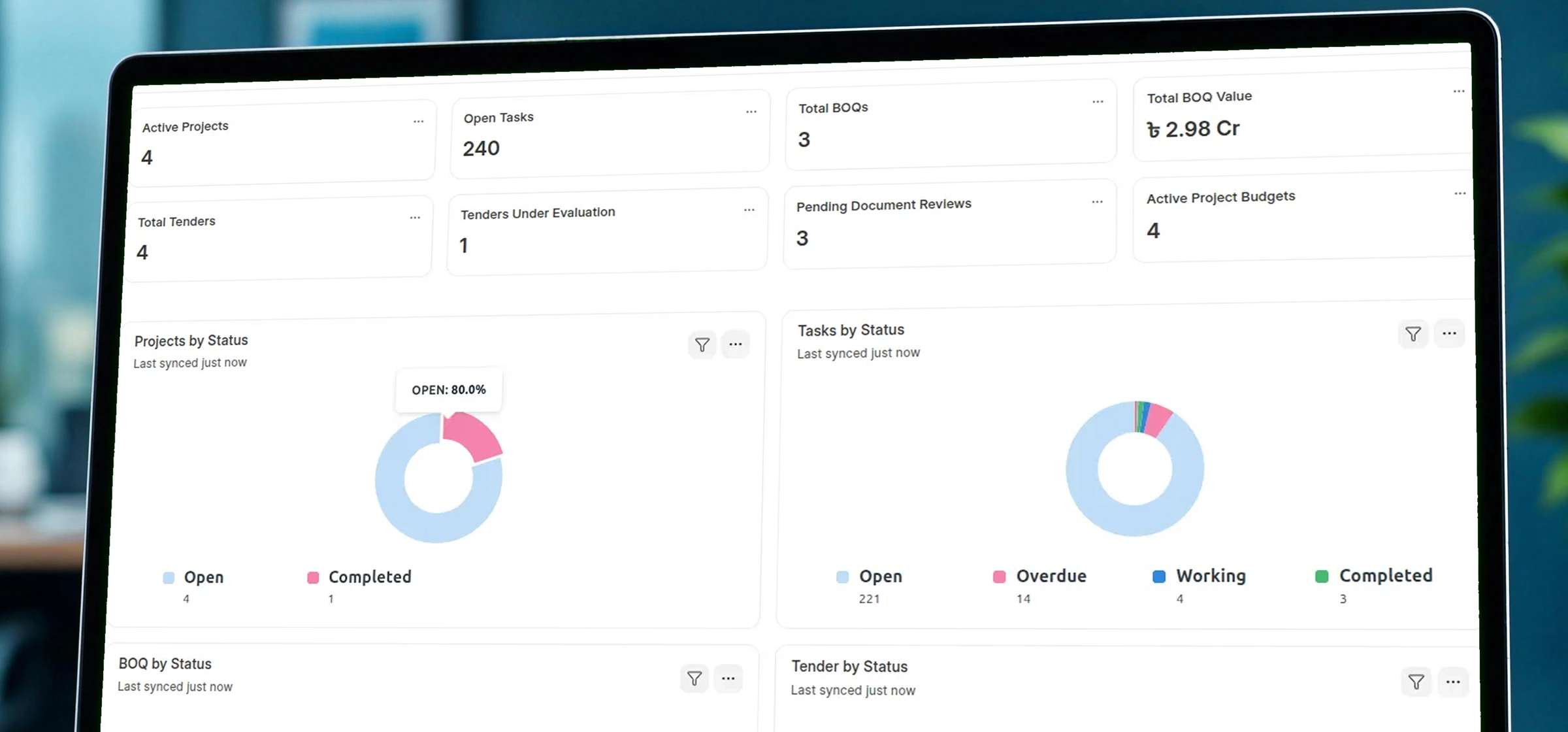
Better handovers matter beyond one project.
Construction productivity grew just 10% from 2000 to 2022 in McKinsey’s 2024 analysis. The report points to robust planning, design and better handovers among the foundations for improvement.
That is the question behind this workflow: can the next team act on the plan without rebuilding its context?
McKinsey, August 2024 ↗
Keep the core.
Add the project connections.
ERPNext supplies the transactions. EPCForge adds BOQ, commercial and engineering records around them.
| Project need | ERPNext THE FOUNDATION | EPCForgeTHE ADDED CONNECTION |
|---|---|---|
| Project work | Tasks, schedules, timesheets | Link BOQ scope to Tasks |
| Purchasing | Requests, orders, receipts | Prepare demand from BOQ materials |
| Project costs | Budgets and accounting | Organize project budget cost heads |
| Customer billing | Sales Invoices and receipts | Prepare invoices from milestones |
| Tender decisions | Suppliers, RFQs, quotations | Keep bidder evaluations and awards |
| Engineering records | Attachments and workflows | Track document revisions and reviews |
A quantity needs a place in the project.
Group the BOQ by scope. Link its rows to Tasks. Give the project team a shared reference for the work behind each line.
- Organize groups, phases and cost types.
- Keep quantity, unit, rate and estimated cost together.
- Link scope to the relevant project Task.
RICS NRM 2 describes the BOQ’s role in tendering and, after award, valuing work and preparing progress payments.
The same row holds the commercial line and its place in the work.
Give the buyer
more than a material list.
Eligible BOQ material rows linked to stock Items can prepare a Material Request. The request then enters your normal ERPNext purchasing process.
CII’s Advanced Work Packaging approach connects engineering, procurement and construction planning. It also requires agreed processes, data and team preparation.
BOQ material rows
Item · quantity · unit
Material Request
Review demand and approvals
ERPNext purchasing
Quotations · orders · receipts
Labour, overhead and other non-stock costs need their own agreed route.
BOQ material-request mapping ↗
Bring one BOQ and the approvals your buyer follows.
Map your purchasing handoff →Turn a billing checkpoint into an invoice draft.
Tasks marked as billing milestones can populate the BOQ payment schedule. Select a milestone to prepare a Sales Invoice.
RICS distinguishes valuation and payment mechanisms. Your contract determines the evidence, approval steps and timing.
RICS: Interim valuations, reissued 2025 ↗EPCForge milestone preparation ↗
Three figures.
Three different questions.
RICS cost reporting considers incurred costs, future costs and risk. A recorded total is one input to the final-cost discussion.
Budget
What have we allocated?Cost-head allocations entered for the project.
Commitments
What have we ordered?Full totals from submitted Purchase Orders.
Recorded costs
What has been recorded?Submitted Purchase Invoices and approved Timesheet costs.
Current logic can include a submitted Purchase Order alongside its Purchase Invoice. Check that overlap before relying on remaining budget. Review cash, forecasts and margin separately.
BOQ submission can create a budget record. It does not complete the cost-head allocations.
Know why it was awarded.
Know which drawing can be used.
The decision needs its reasoning.
World Bank guidance for Bank-financed procurement calls for evaluation scores and reasons behind decisions. EPCForge holds bidder, evaluation and award details with the project.
Tender award does not automatically create a Purchase Order.
The newest drawing may still be under review.
UK BIM guidance separates revision from status and permitted use. EPCForge records revisions, attachments and review status; your team agrees approval and distribution responsibilities.
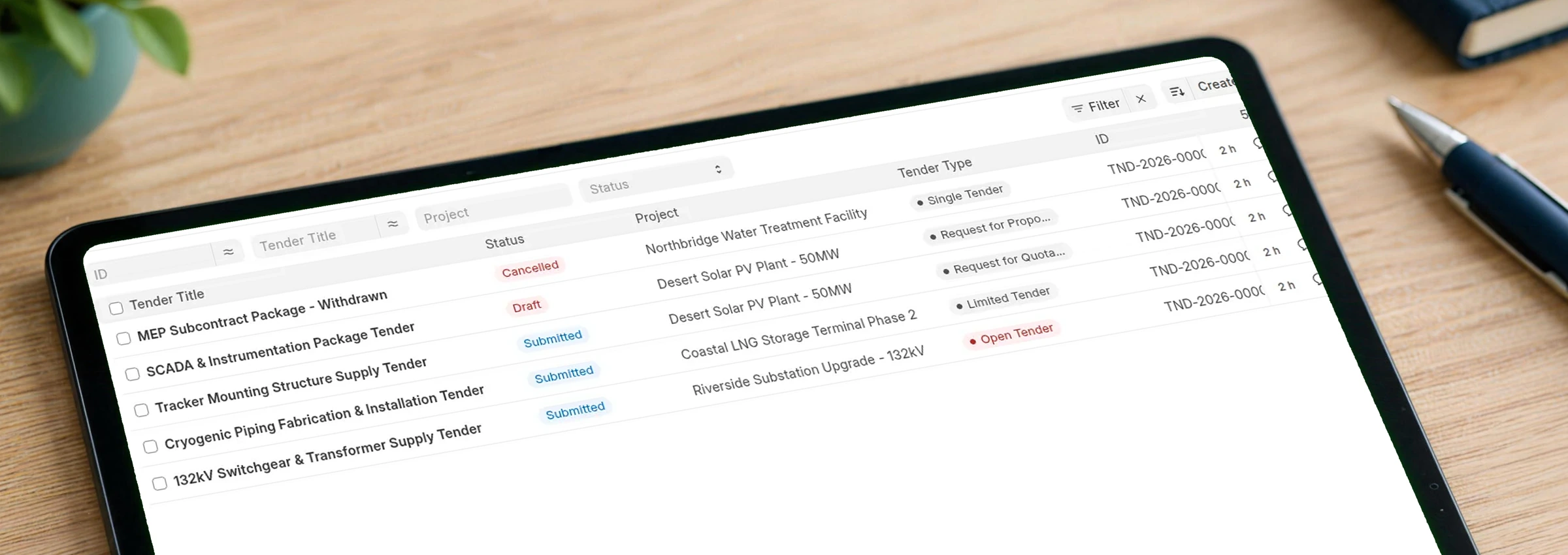
Explore the EPCForge workspaceOpen view +
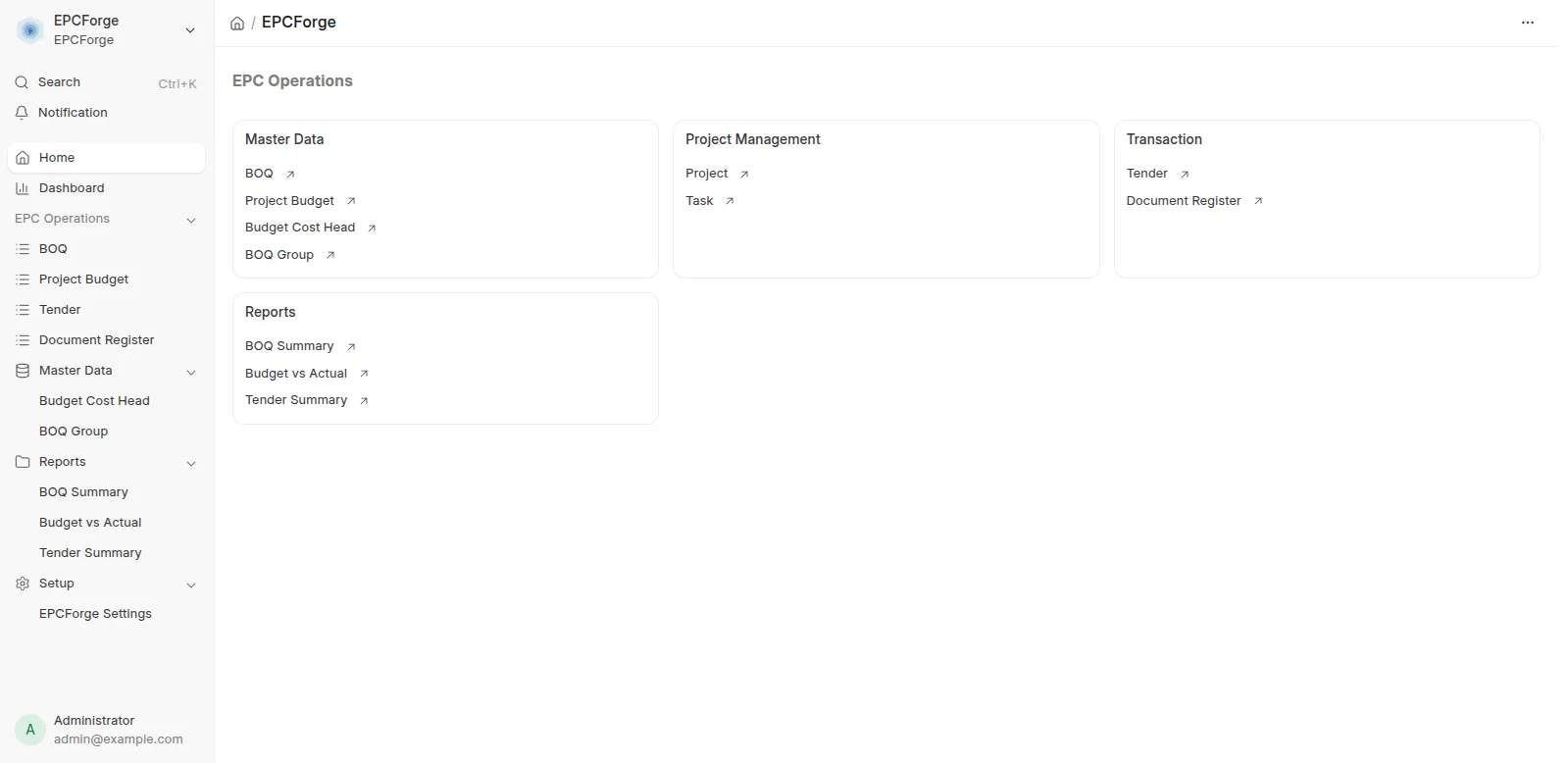
Bring the documents.
Prove the handoffs.
A strong starting point
- ERPNext v16 and a structured BOQ.
- Stock Items, units and Task links.
- Named buying and invoice reviewers.
- Agreed project billing milestones.
Define the implementation scope
- Budget cost heads and transaction coding.
- Advances, retention and claim formats.
- Drawing approvals and distribution.
- BIM, variations and subcontract workflows.
The current package is classified Beta. Pilot the exact release on a backed-up test site. The MIT-licensed app is free; hosting, implementation, training and support need separate scope.
Before you choose the workflow.
What does EPCForge add to ERPNext?
It adds a BOQ and project-control layer: grouped quantities and rates, links to tasks, material-request preparation, milestone invoice preparation, budget cost heads, tender records and an engineering document register. Standard ERPNext still supplies purchasing, accounting, stock and sales transactions.
Which ERPNext version should we use?
Plan for Frappe and ERPNext v16. The app’s current dependency declaration requires Frappe v16, despite older documentation mentioning earlier versions. Test the specific app and ERPNext releases together before rollout.
Can a BOQ create Material Requests?
Yes. The material-request action maps eligible material rows linked to stock Items. Review the resulting request, quantities, units and project before continuing through your normal purchasing approvals. Other BOQ cost types do not all become stock-material requests.
Does milestone invoicing collect the payment?
No. A selected BOQ milestone can prepare a Sales Invoice. Invoice approval, posting and receipt of money are separate steps. Confirm customer terms, taxes, advances and retention treatment during implementation.
Can we treat the remaining-budget figure as available cash?
No. A budget view is not a cash forecast. Current logic can count a submitted Purchase Order alongside its Purchase Invoice. Reconcile that overlap and agree the report’s interpretation before relying on a remaining-budget number.
Is EPCForge free, and what needs a separate scope?
The Marketplace lists the app as free, and its source uses the MIT licence. Hosting, implementation, configuration, training and support are separate considerations. Confirm requirements such as BIM, variation orders, subcontractor claims and statutory billing formats before selecting an implementation scope.
Bring your BOQ. Let’s map the handoffs.
Show us how your team estimates, buys, reviews and bills. We can assess where standard ERPNext fits, where EPCForge helps and what needs a separate scope.
Product documentation · Source code · Hosting, implementation and support are scoped separately.
More from us
Related work and practical guides to help you plan your next step.
 ERP BUYING GUIDEConstruction ERP: compare the wider optionsA broader guide to platform selection before you define your project workflow.Read the guide →
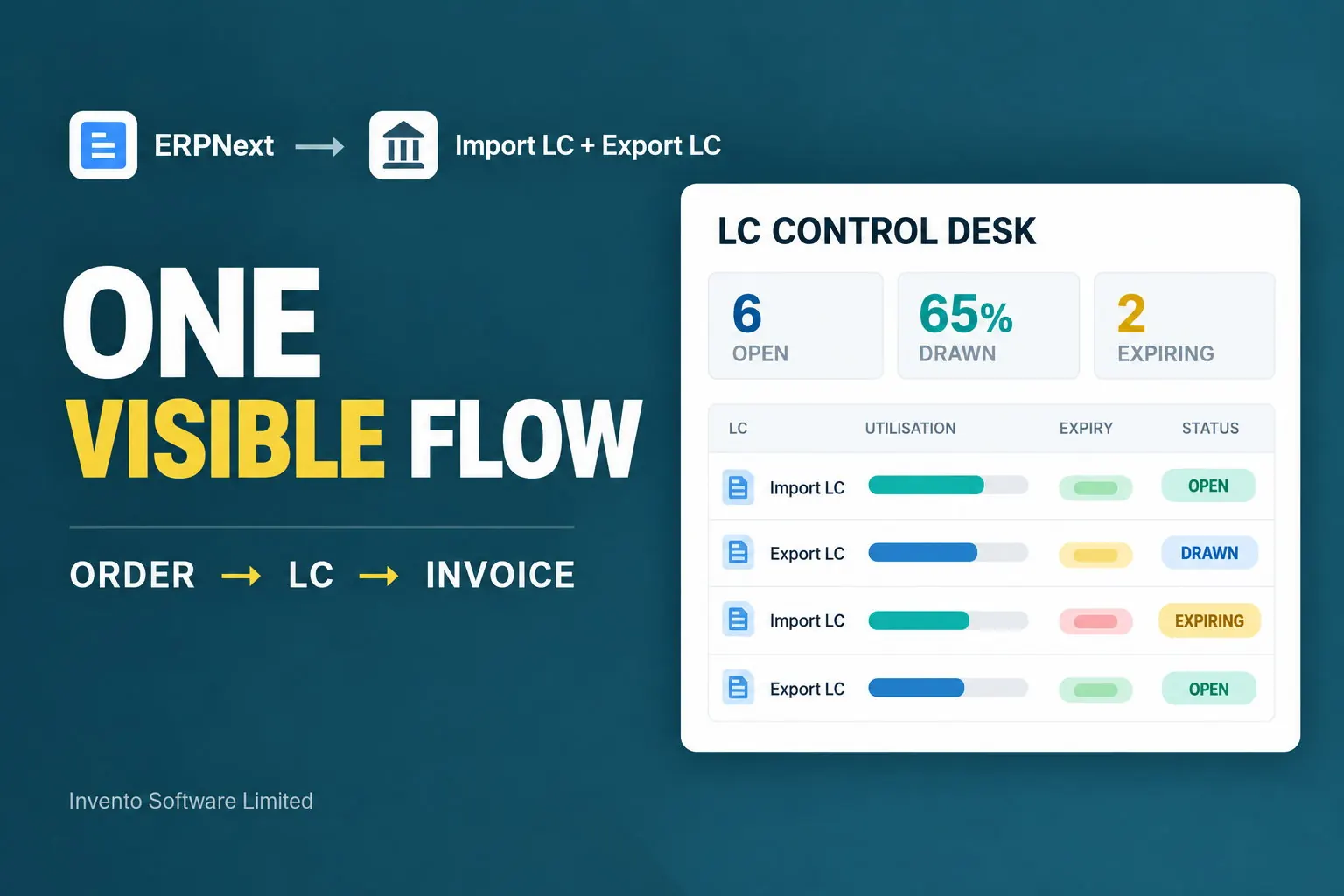 TRADE DOCUMENTSImport and Export LC management in ERPNextHow additional trade records fit around standard buying and selling.Read the guide →
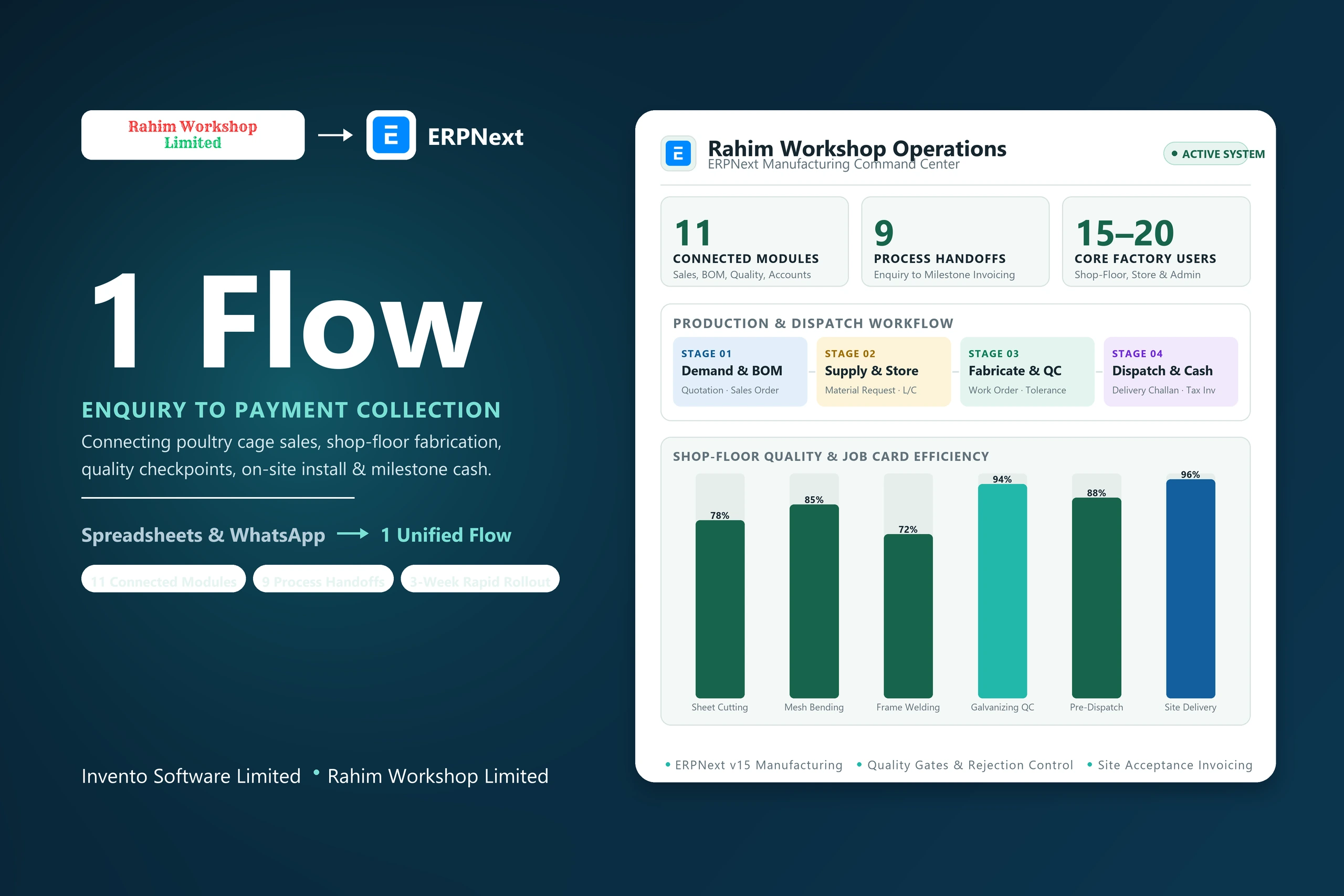 RELATED IMPLEMENTATIONRahim Workshop: from fabrication to installationA separate ERPNext implementation connecting workshop and site activity.Read the case study →