
Food manufacturing · Production planning
How ERP helps food manufacturers check ingredients and packaging
Before committing a food order to production, compare the ingredients and packaging required with stock the team can use. An ERP forecast can include materials still on order, so it does not prove that the run is ready to start. ERPNext projected quantity.
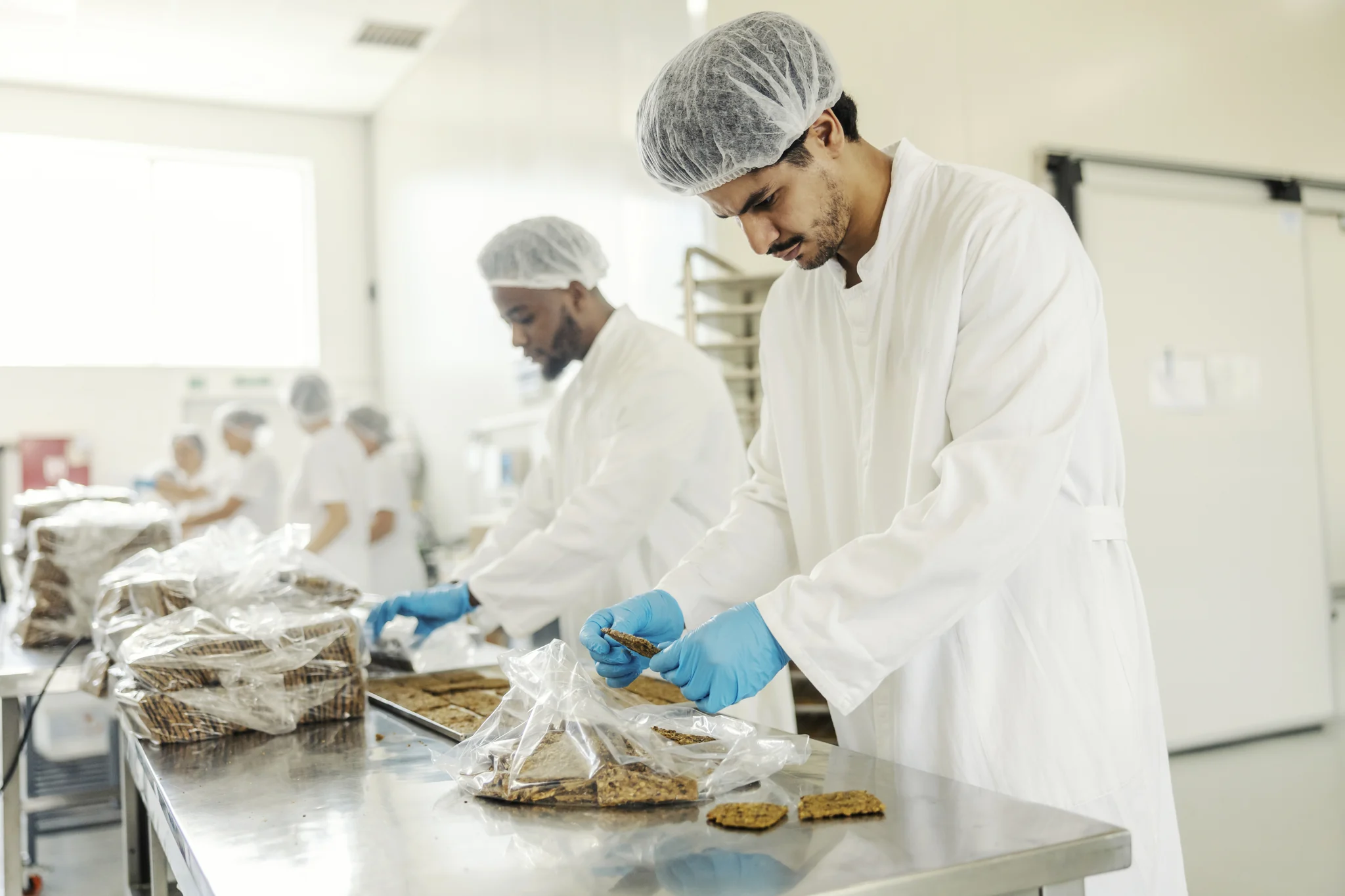
ERP material checks
What the report calculates
ERPNext's BOM Stock Analysis report compares the inputs required for a planned quantity with recorded warehouse stock. It also estimates how much output those quantities can support. Check which report is available in your installed version. ERPNext BOM Stock Analysis.
In the version 16 report, the available quantity comes from recorded warehouse totals. The calculation does not itself deduct reservations or check batch expiry and quality holds. Those checks are still needed before treating the stock as usable for an order. ERPNext v16 report calculation.
01 · Material requirements
Include ingredients and packaging
A bill of materials, or BOM, lists the inputs and quantities needed to make a product. Include the packaging consumed during production or packing, with the correct units. A check based on that list will miss packaging left off it. ERPNext bills of materials.
Use the recipe and packaging requirements for the product being ordered. A different pack size may need different pouches, labels or cartons.

02 · Stock availability
Check which stock is usable
For each material, check the source warehouse, commitments to other orders and batch status. Exclude expired stock and quantities on quality hold. If suitable stock is elsewhere, confirm that the stores team can transfer it before the run.
Keep incoming quantities and expected dates separate. They can support a later production date, but purchasing needs to confirm the supplier's delivery. Materials must arrive and pass any required checks before use.
ERPNext's projected quantity combines current stock, planned supply and recorded demand. Use it to plan purchases, then verify which quantities can cover the scheduled run. ERPNext projected quantity.
03 · The material check
Act on each shortage
Send purchasing the missing item, quantity, required date and destination warehouse. First check whether an existing order already covers the shortage. ERPNext's Material Request records that requirement and can lead to a purchase order or internal transfer. ERPNext material requests.
Purchasing confirms what can arrive and when. The stores team checks transfer options. The production manager then decides whether to keep the date, reschedule or assess a smaller run against batch requirements and customer commitments.
04 · Recording responsibilities
Keep records current
The stores team records receipts, transfers and consumption when they happen. Production keeps recipes and packaging requirements current. Quality staff record holds and releases so planners know which stock must stay out of the run.
Agree how those restrictions appear in the system. A correct physical count will still mislead planning if the records do not show that stock is committed or on hold.
Production decisions
Before starting the run
Can production start before all packaging arrives?
Odoo 19 can assess readiness against components for the first operation or for all operations. An early operation may have its materials while later operations still have shortages. Confirm that the missing items can arrive before those operations need them. Odoo 19 manufacturing readiness.
Does the maximum output figure mean the order is ready?
It is a materials calculation. Before changing the run quantity, the production manager also needs to check batch size, equipment, staffing and dispatch commitments.
Production planning
Discuss your material checks with Invento
Tell us how your team handles recipes, stock and purchasing. We can discuss how your ERP should connect material requirements, stock and purchasing.
Related reading
More from us
ERP software for food manufacturing
Compare food manufacturing platforms and their production features.
Read articleERP systems for manufacturing
Read the broader comparison of manufacturing ERP systems.
Read article
Import and export LC management in ERPNext
See how orders, proforma invoices and LC records connect in ERPNext.
Read article