

AI for
your ERP.
ERPNext provides the records and workflows. Invento brings AI to the work around them, from preparing commercial records to adapting your system and exploring business answers.
Put AI to work
around your ERP.
Invento’s work spans ERPNext records, Frappe development and HR. Explore the tools, plus two prototypes taking shape.
From customer request to records ready for review.
A customer sends an RFQ. RFQ AI extracts the items and terms into ERPNext, flags uncertain details and gives your commercial team a structured starting point for preparing its response.
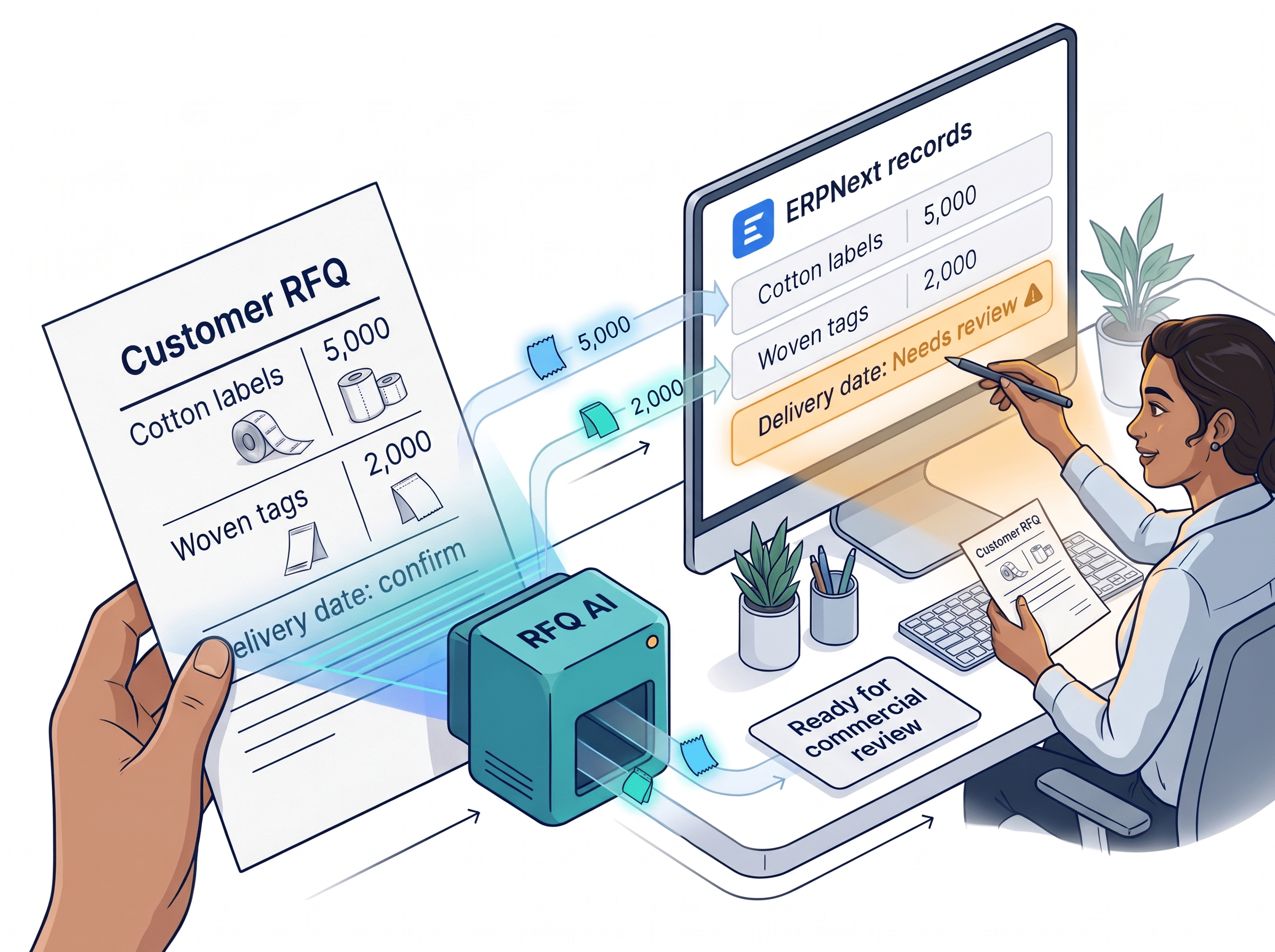
 Works with ERPNext commercial records
Make ERPNext fit the way your business works.
A new field, a changed process or a bug to fix. Frappe Copilot helps developers work with your actual Frappe site and prepare code and customisations they can inspect and test.
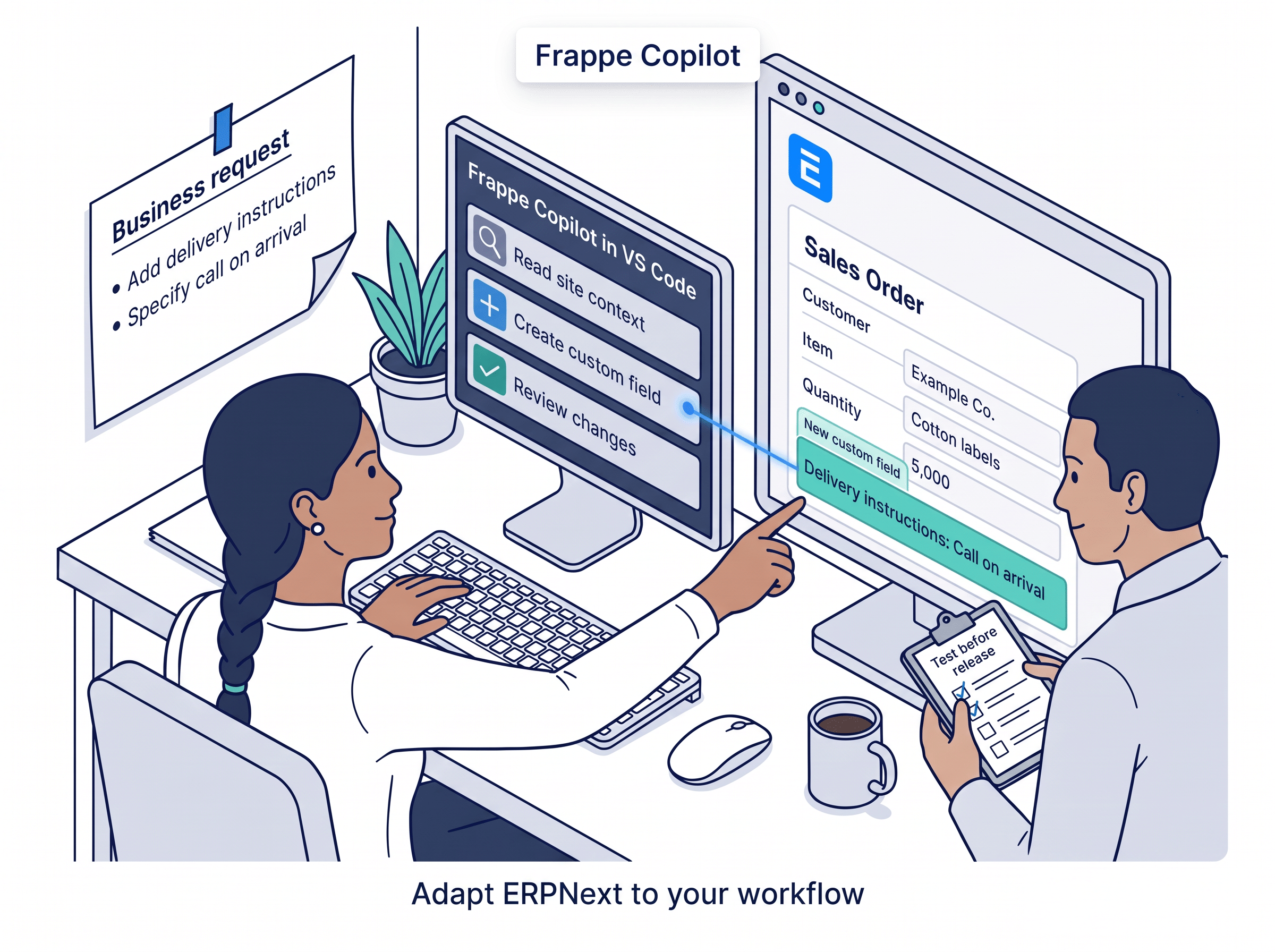 Builds and adapts Frappe and ERPNext apps
Go into the interview with better questions.
Compare a resume with the role, see strengths and gaps, and prepare questions worth asking. AI Resume Shortener brings a structured candidate assessment into Frappe HR, ready for your hiring team.
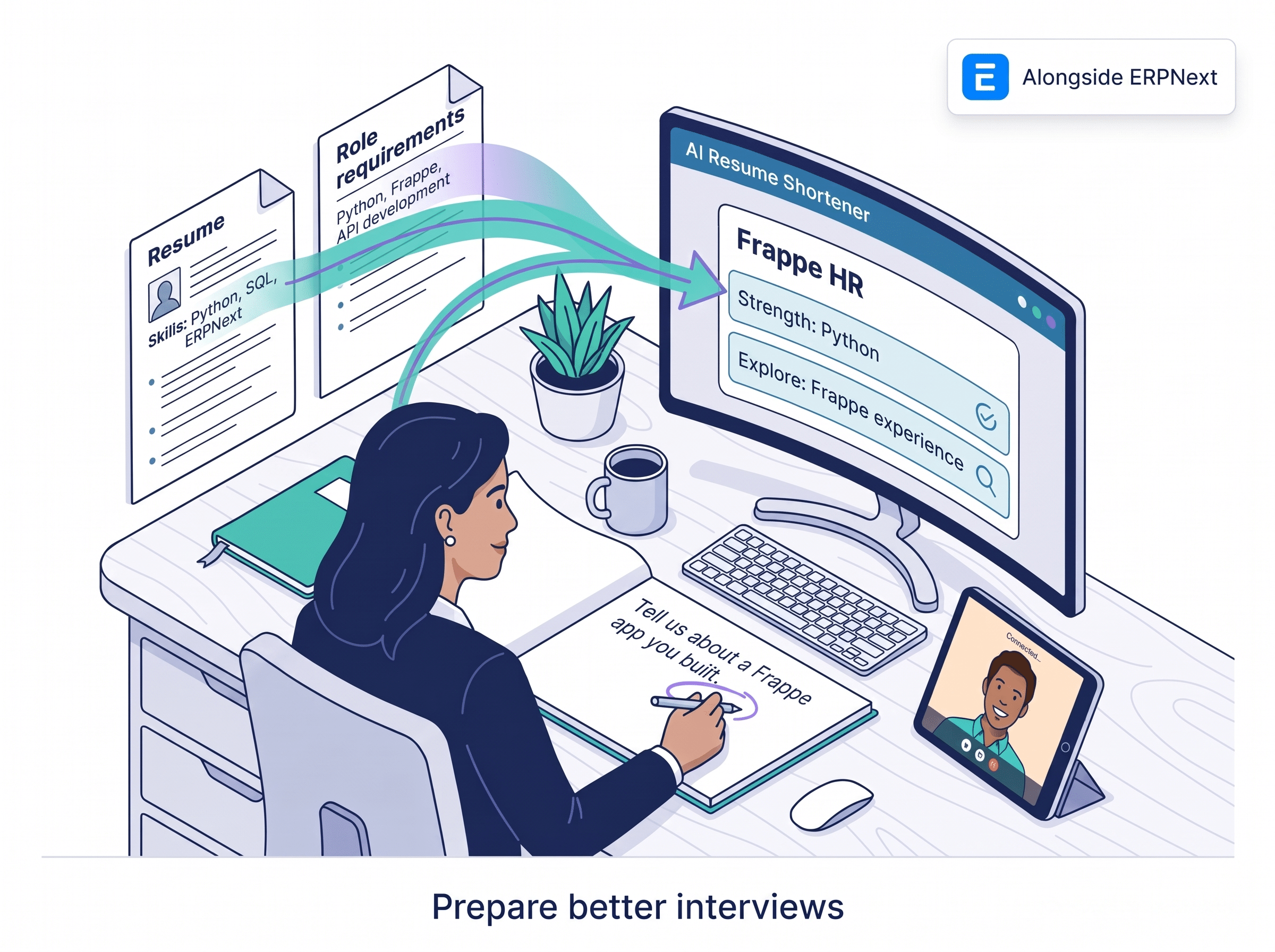 Frappe HR, alongside ERPNext
See the ERPNext process. Discuss it together.
Nora explores an AI guided ERPNext walkthrough in an online meeting, with spoken explanations and a summary to revisit. It gives teams a way to discuss how a process could fit their work.
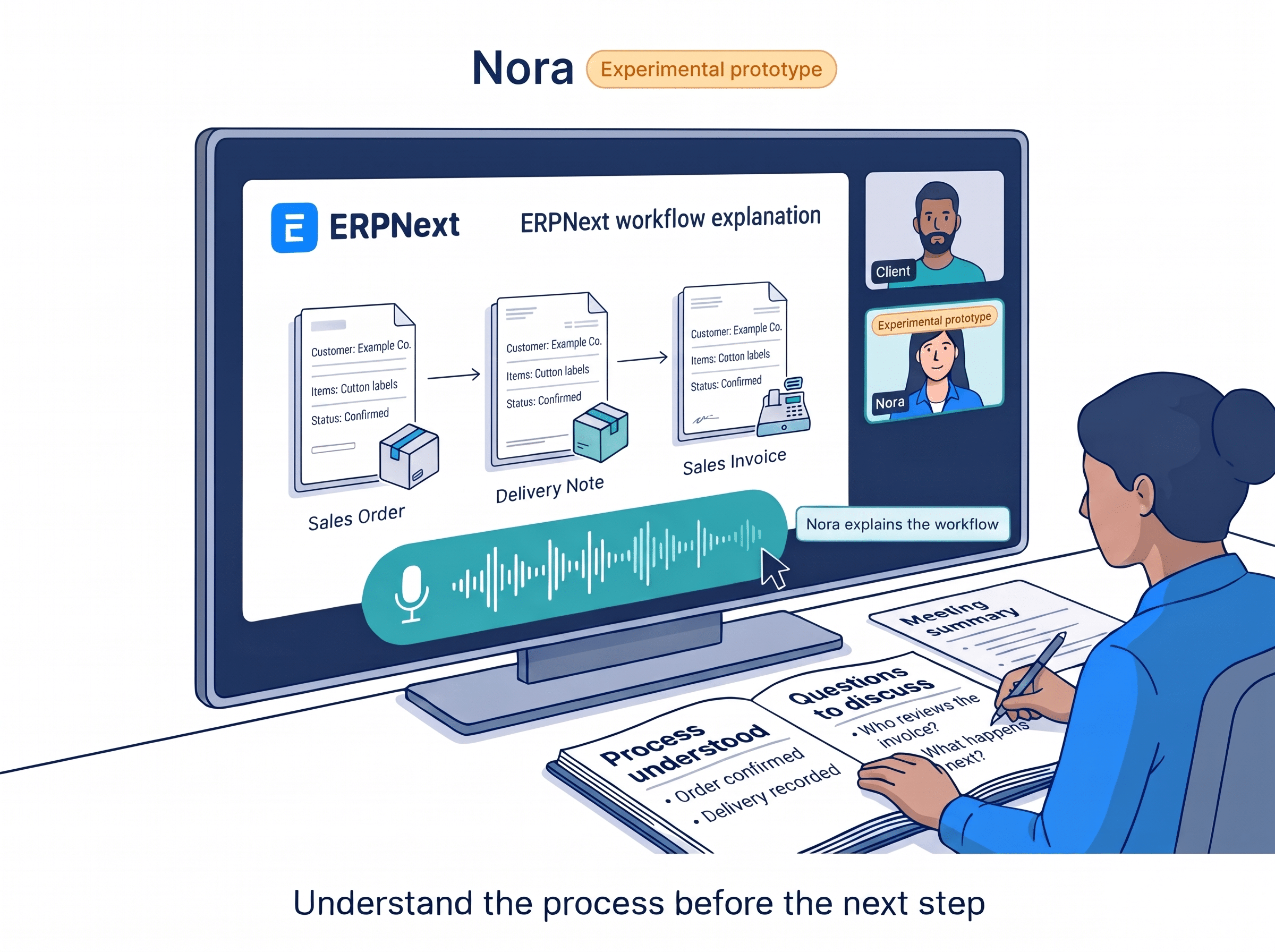 Presents ERPNext workflows
Ask a question. Start with your ERPNext records.
Frappe Chatbot explores a conversational route to selected ERPNext information. A business question becomes a data query and an answer, giving the team a starting point to check against its records.
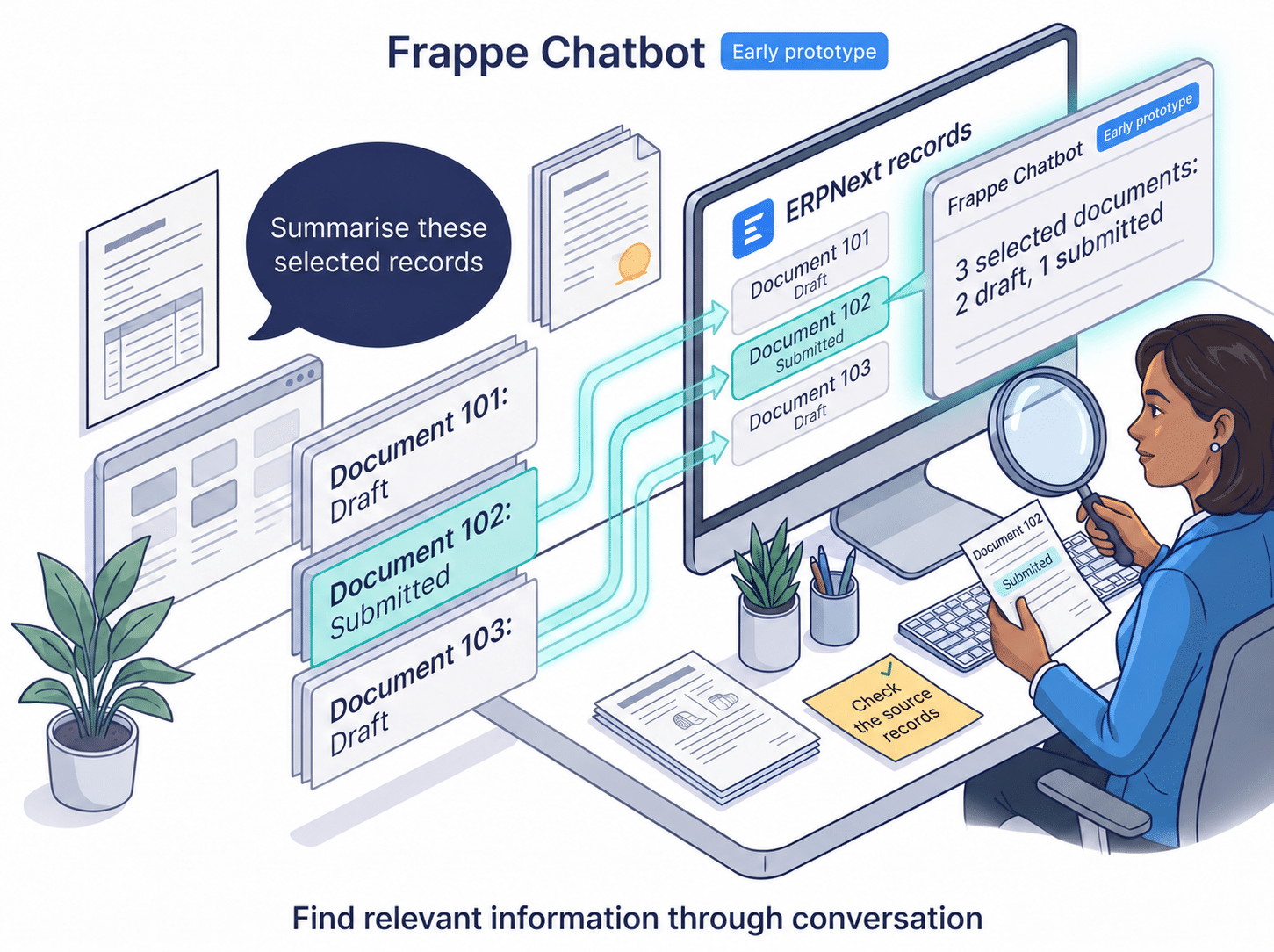 Queries selected ERPNext records
AI in everyday business
Can AI help my team respond to customer enquiries faster?
Yes. An AI assistant can read an incoming enquiry, pull out the requested items and quantities, and prepare the details your sales team needs to respond. Connected to ERPNext, it can use relevant customer and transaction records, while your team confirms pricing, availability and delivery commitments.
Can AI reduce manual entry from invoices and other documents?
Yes. A document processing integration can extract supplier names, item lines, quantities and amounts from documents, then map them to fields in your ERP workflow. This gives staff a starting point to check and complete, instead of entering every detail again. Start with one document type your team handles frequently.
Can I ask questions about sales, orders or unpaid invoices?
Yes. Questions such as "Which customer invoices are overdue?" or "What orders are still waiting for delivery?" can be turned into queries over the ERP records you connect. The integration needs agreed business definitions and the right access to data, so the answer refers to the records relevant to your question.
Can AI help managers see what needs attention?
AI can help summarise sales, purchasing and stock records into a short management update, highlighting matters such as unpaid invoices or orders awaiting follow up. A useful implementation groups the records around the decision you need to make, so you can see which customer, supplier or internal team needs attention.
Where should we start with AI in our business?
Start with a repeated task that costs your team time, such as preparing a customer response, entering supplier documents or compiling a weekly update. Define the input, the result you need and who will review it. Then test the workflow with real examples and measure the time saved and corrections needed.
Bring the work.
Let’s talk AI.
A customer request. A change your ERP needs. A question your team keeps asking. Bring it to the people building these tools.
 Bangladesh China Friendship Conference Centre. Photo: BCFCC.
More from us
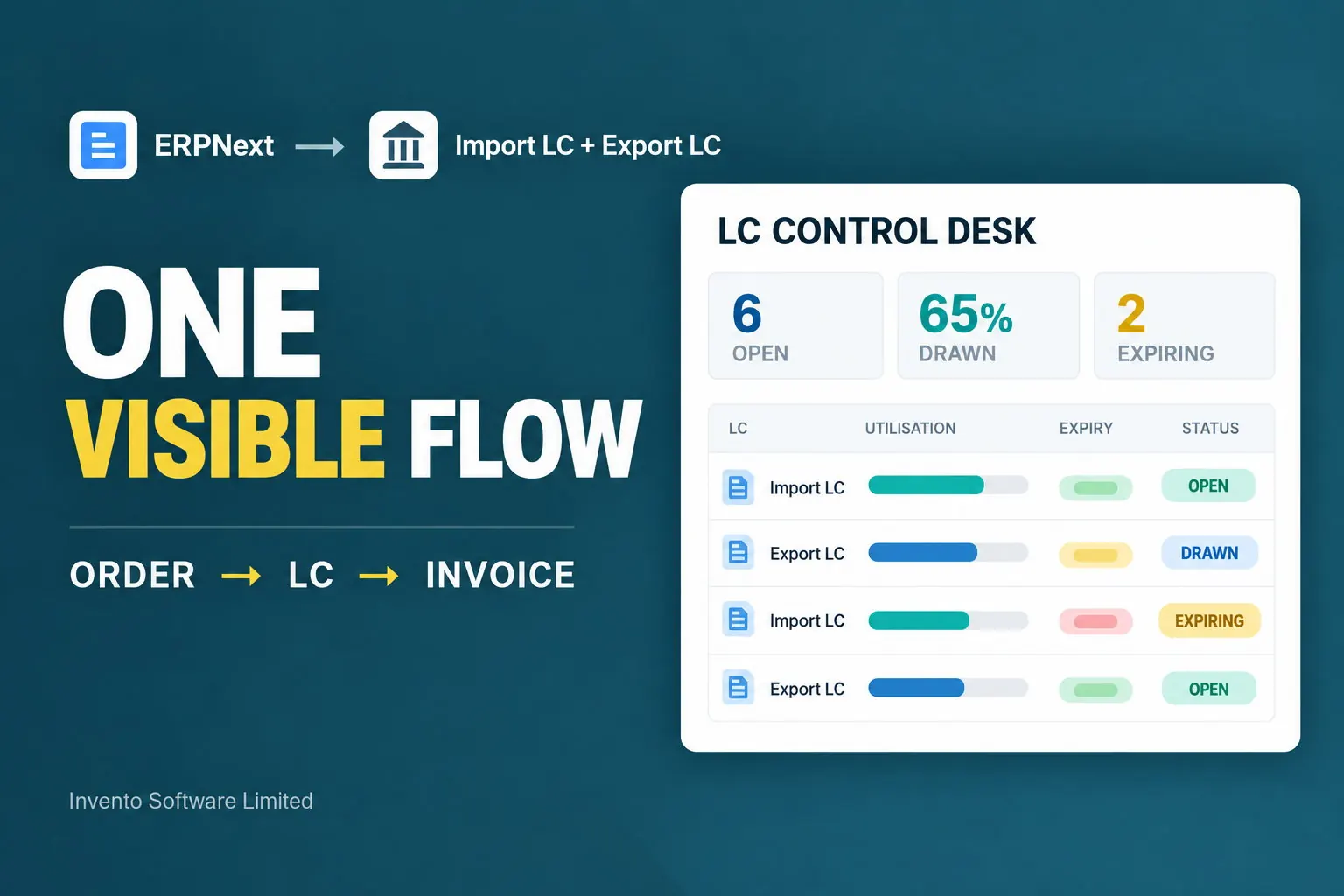 Trade financeImport and export LCs in ERPNextConnect orders, letters of credit and invoices in one commercial flow.Explore →
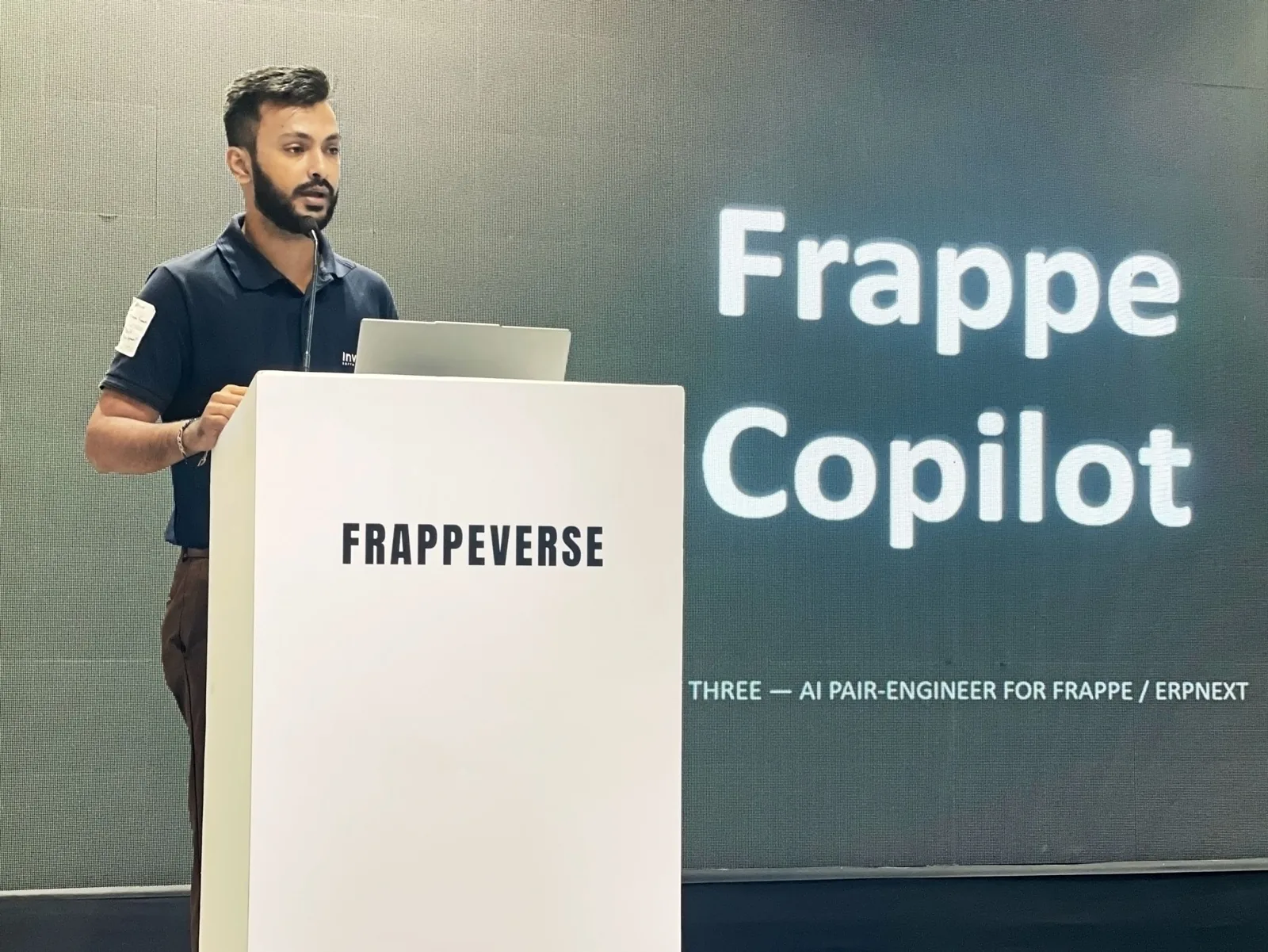 Frappe communityInvento at Frappeverse MumbaiSee Invento’s Frappe Copilot work from Frappeverse.Explore →
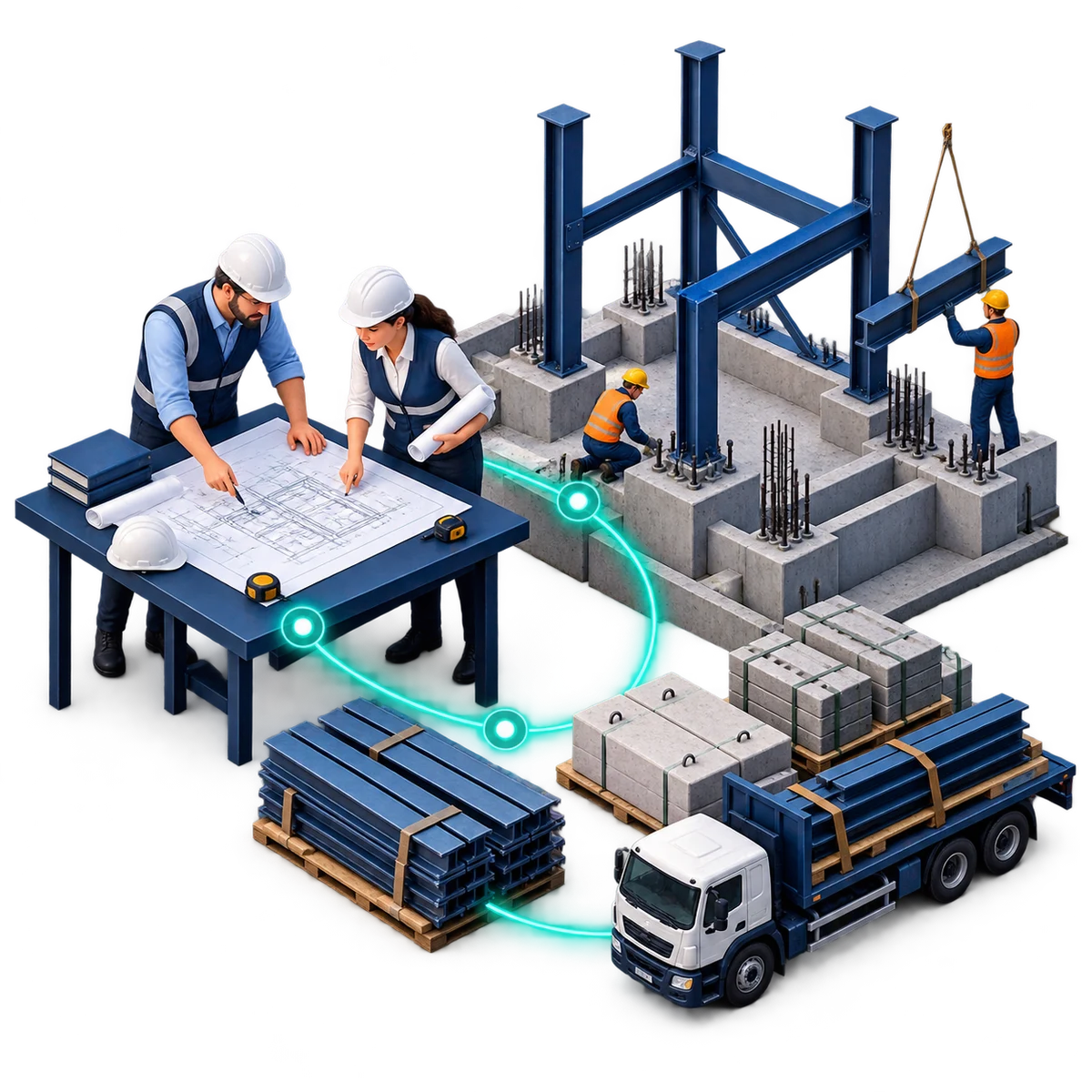 EPCForge for ERPNextScope, spending and billing connectedCarry the priced BOQ into purchasing, project budgets and billing.Explore →