ERP for RMG and textiles · October 2026
Garments ERP software in Bangladesh: keep every order connected
A garments ERP should connect buyer orders, materials, production, shipment and accounts. When a size mix or delivery date changes, every team needs to see what that change means for its work.
Use this guide to compare ERPNext and Odoo, separate standard features from factory-specific development, and test the system with one real order.
Discuss your factory's ERP- Buyer POStyle, colours, sizes, quantity, ship date
- Costing and materialsFabric, trims, back-to-back LC
- Production and controlsMaterial use, approvals, cutting to finishing
- Packing and shipmentCartons, commercial invoice, export LC
- Payment and profitMoney received, planned cost against actual
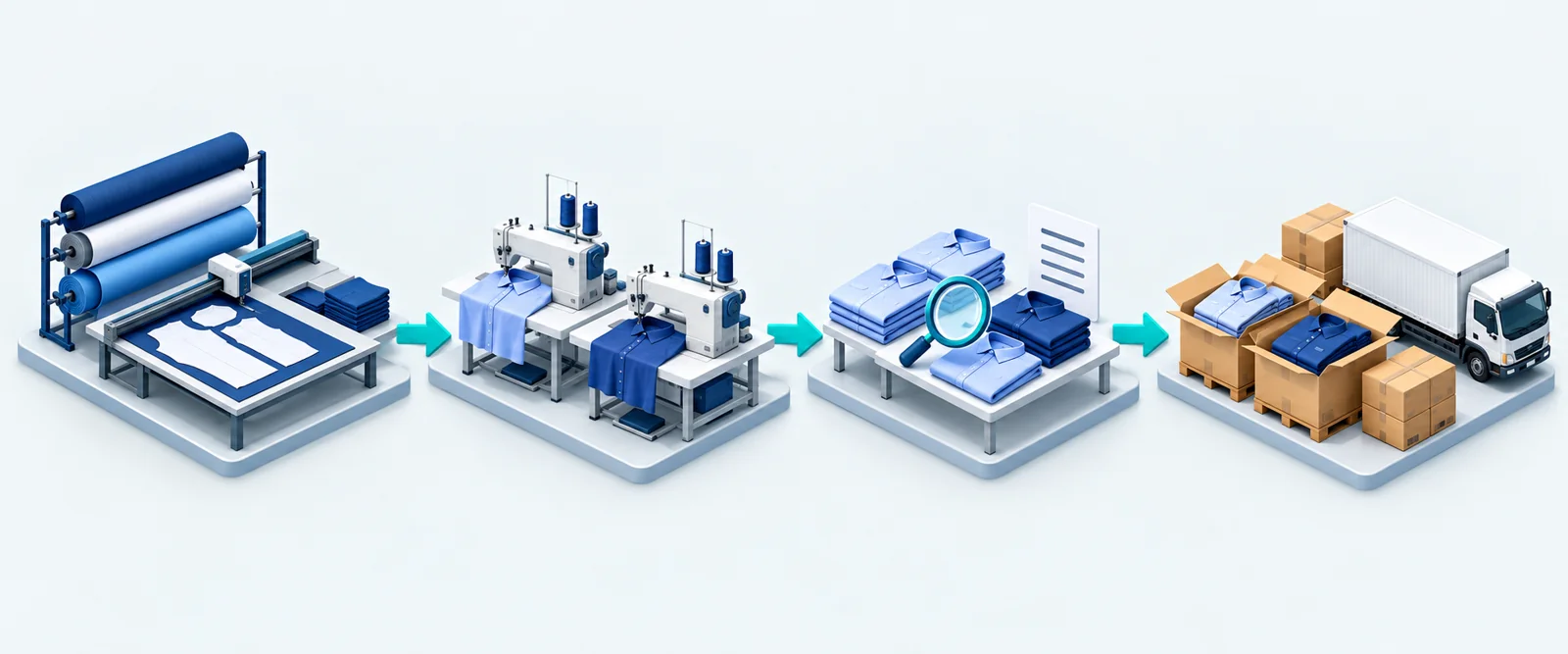
Five connected stages, from the buyer order to payment.
The gap between departments
The order changes. Does every team know?
A revised size mix changes fabric demand. A late approval changes the production plan. A short shipment changes the invoice.
If merchandising, stores and accounts hold separate versions of the order, those changes have to be reconciled by hand. The ERP should connect their records through a shared order reference, with clear ownership and approvals.
That is the test for the best garments ERP software in Bangladesh: can your team follow a change from buyer instruction to its effect on stock, delivery and margin?
Approved sample, quantities and costing
Materials, work in progress and inspection
LCs, invoices, payments and order costs
Linked records, with the same order reference carried through.
From buyer PO to payment
Follow the order from fabric to finished cartons
A garment order crosses several teams before it ships. Define what each team records, who approves changes, and how the next team receives the updated information.
See the ten checkpoints from buyer PO to payment
| # | Step | What the system should record |
|---|---|---|
| 1 | Buyer PO and style | Buyer, style number, season, order quantity and ship date. |
| 2 | Colour and size breakdown | Quantity for every colour and size, so materials and packing follow the real mix. |
| 3 | Costing | Fabric, trims, making charges and overheads per piece, and the margin at the buyer's price. |
| 4 | Sampling and approval | Sample stages, buyer comments and approval dates. |
| 5 | Bill of materials | Fabric use and trims per size and colour, so the order shows exactly what to buy. |
| 6 | Fabric and trims purchase | Purchase orders linked to the buyer order and, where used, the relevant import or back-to-back LC. |
| 7 | UD or UP | Applicable material authorisations, approved quantities and actual consumption, with supporting documents. |
| 8 | Cutting, sewing and finishing | Output by line, by day and by size, plus work in progress between sections. |
| 9 | Subcontracting and inspection | Work sent out for printing, embroidery or washing, what came back, and inspection results. |
| 10 | Packing, shipment and payment | Packing list by carton, commercial invoice, shipment against the export LC, and money received. |
Order costing should compare planned and actual materials, operations and subcontracting costs. Track payment separately: collecting cash does not, by itself, establish the order's profit.
Which of these steps still runs on spreadsheets in your factory?
Start the conversation with the two or three that cause the most delays.
Local requirements
Local requirements belong in the scope from day one
LC tracking, material authorisations, tax records and payroll need their own acceptance checks. Ask suppliers to demonstrate the requirements that apply to your factory and identify any additional modules or development.
Back-to-back LC
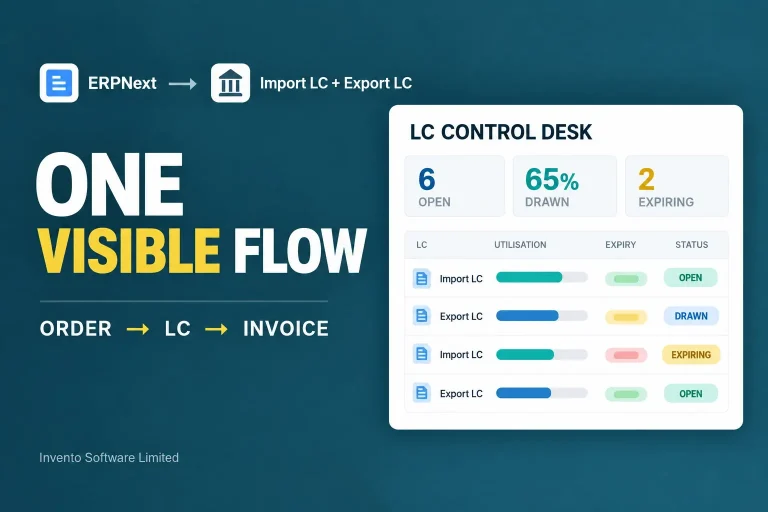
Factories often pay for imported fabric and trims through back-to-back LCs opened against the buyer's export LC. The system should link each import LC to its export LC and to the order, and show how much LC value is used and left.
Ask: show me the export LC, the back-to-back LCs under it, and the order they belong to, on one screen.
UD and UP
For bonded export operations, track the applicable Utilization Declaration (UD) or Utilization Permission (UP), approved material quantities and actual consumption. Confirm the issuing authority and settlement procedure that apply to your operation.
Ask: show me approved materials against actual use for one order, ready for settlement.
Mushak records
Agree the VAT records and Mushak forms your factory actually needs with the finance team. Check the report formats, source transactions and reconciliation process in the proposed system.
Ask: print the Mushak forms we file every month from demo data.
Payroll, overtime and production incentives
Map the wage structures your factory uses, including attendance, overtime and any piece-rate or production incentives. Verify how approved production counts reach payroll and who can correct them.
Ask: run a sample payroll with the wage rules and exception cases your team uses.
Bangladesh Customs explains UD/UP and bonded material controls. Use the current requirements for your factory when configuring reports. See our Bangladesh VAT and Mushak guide for related recordkeeping.
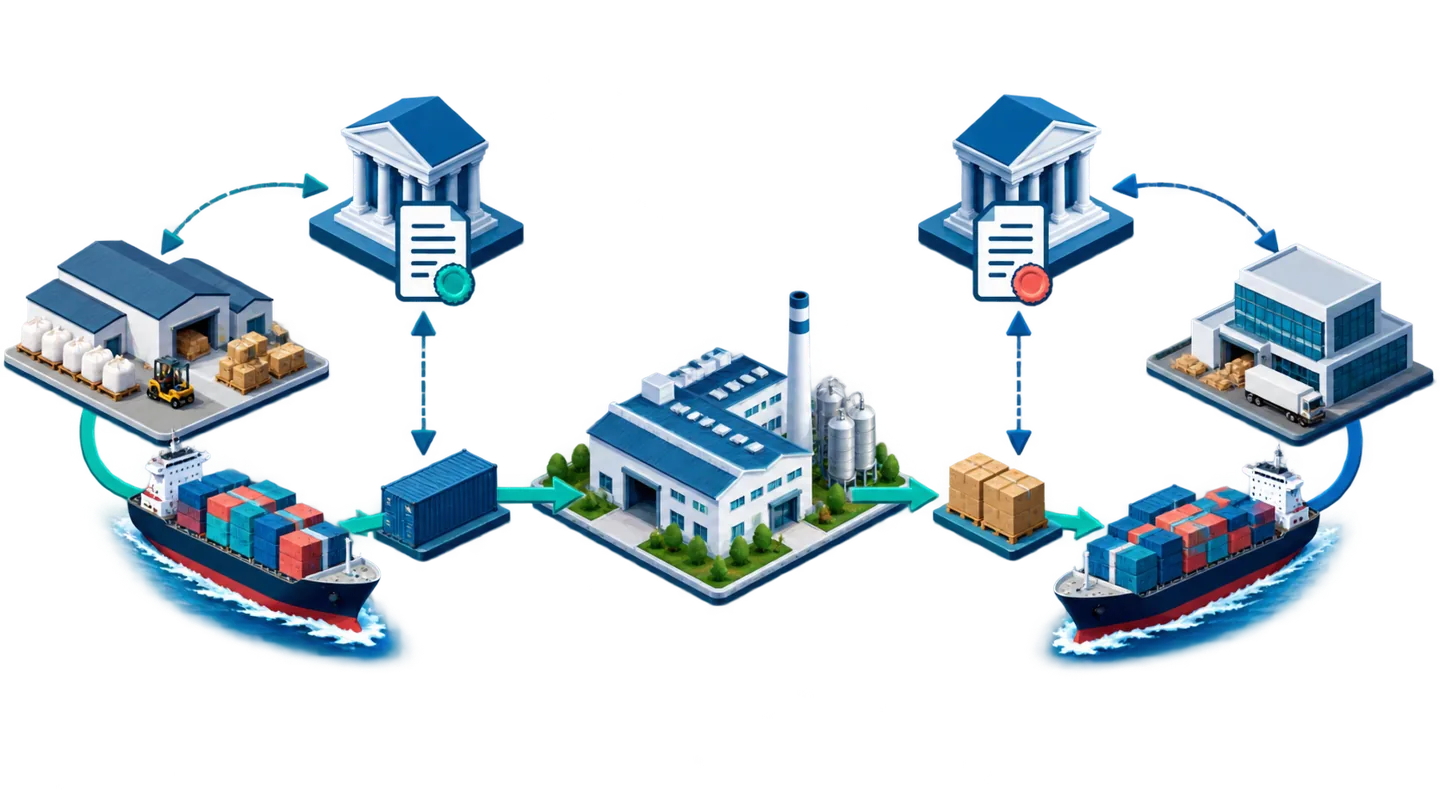
LC tracking in ERPNext. Invento publishes a free Export LC app for ERPNext version 16 on the Frappe Cloud Marketplace. It creates export proforma invoices from sales orders, records LC terms in SWIFT MT700 fields, tracks how much of each LC is used, and carries the LC details onto sales invoices and delivery notes. See the app listing or our import and export LC guide.
Comparing the two platforms
ERPNext and Odoo for garment factories
ERPNext and Odoo both provide building blocks for manufacturing: products, variants, bills of materials and production records. A complete garments workflow still depends on the edition, installed apps and the way your factory is configured.
| What you need |  ERPNext ERPNext |  |
|---|---|---|
| Software licence | Open source, with no per-user software licence fee. Budget separately for hosting, implementation and support. | Free Community edition or paid Enterprise subscriptions. Compare the apps, user types and hosting in the proposed plan. |
| Colour and size | Item variants with attributes such as colour and size. | Product variants with attributes such as colour and size. |
| BOM, work orders, subcontracting | BOMs, work orders, job cards and subcontracting. Configure operations for your production route. | BOMs, manufacturing orders and subcontracting workflows. Confirm the shop-floor and quality features included in your edition. |
| Barcode scanning | Item barcodes and scanning in supported stock workflows. Test your labels, devices and transactions. | Check the Barcode app and workflow included in the quoted edition. Test the same labels, devices and transactions. |
| Payroll | Frappe HR is a separate open-source app with payroll and ERPNext integration. Local rules need configuration. | Check the Payroll app, supported localisation and additional work required for your Bangladesh wage rules. |
| Production-linked wages or incentives | Scope the production capture, approvals and payroll calculation for your factory. | Scope the production capture, approvals and payroll calculation for your factory. |
| Export and back-to-back LC | Invento's free Import LC and Export LC apps support ERPNext v16. Confirm compatibility and your back-to-back workflow. | Scope an additional module or custom workflow. Confirm version, maintenance and hosting compatibility. |
| UD and UP tracking | Treat as a specific local requirement. Demonstrate the records, consumption reconciliation and reports. | Treat as a specific local requirement. Demonstrate the records, consumption reconciliation and reports. |
| Hosting | Managed Frappe Cloud or self-hosting. Verify that the chosen service supports the required custom apps. | Odoo Online for supported standard workflows; Odoo.sh or self-hosting for custom code modules. Confirm the plan and hosting costs. |
Check the ERPNext manufacturing documentation, Odoo product variants and Odoo plans and hosting conditions against the proposed version. Product capabilities checked 14 October 2026.
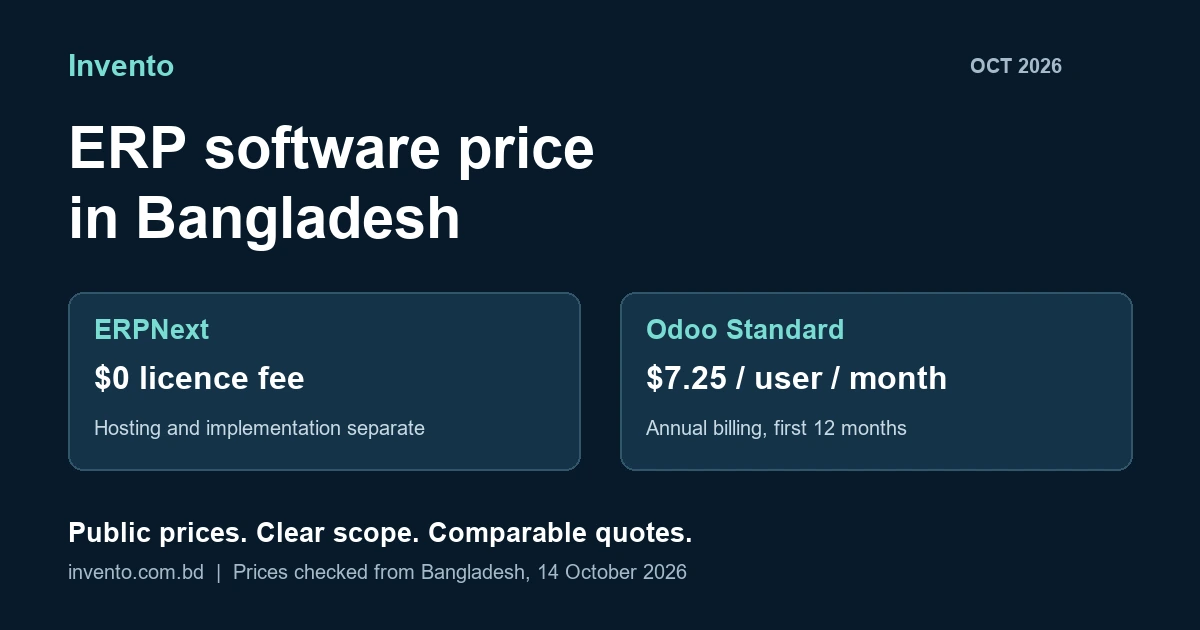
Neither platform knows your buyers, your UD rules or your wage structure on day one. The right choice depends on which features you need, how many users will log in, and how much you want to change. For licence and hosting prices, see our ERP software price guide. For a broader comparison, read ERPNext vs Odoo.
Not sure which platform fits your factory?
We implement ERPNext and Odoo, and can test both against your order flow.
Match the production model
A sewing floor and a textile mill need different checks
A generic manufacturing demo can miss the detail that determines whether a system fits. Add these checks to the common order workflow.
Style and delivery control
Test sample approvals, size-wise cutting, line output, rework and carton packing against the buyer's order.
Batch and process control
Test yarn and fabric lots, rolls, shade batches, processing stages and the units used to measure consumption and output.
Product and version control
Test label or packaging versions, approved artwork, material requirements and delivery against each customer specification.
These are evaluation requirements. Have the supplier identify which are standard, configured or custom in the proposed solution.
Before you choose
Test one real order before choosing a system
Slides and feature lists all look similar. Give each supplier one real style from last season, with its real colour and size mix, and ask them to take it through these twelve points. Score each one: works as standard, needs setup, or needs new development.
- Enter the buyer PO with every colour and size.
- Show the costing, and how it changes if the quantity changes.
- Build the BOM with fabric use and trims for each size.
- Raise fabric and trims purchases linked to the order.
- Link those purchases to a back-to-back LC under the export LC.
- Show approved materials against actual use for the UD.
- Record cutting, sewing and finishing output by line and size.
- Send work to a subcontractor and match what comes back.
- Record an inspection and what happens to rejected pieces.
- Print a packing list by carton, colour and size.
- Run a sample payroll using your actual wage and incentive rules.
- Compare planned and actual order costs; then trace the invoice and payment.
If an item needs development, ask for it to be priced and scheduled separately in the quote. That keeps quotes from different suppliers comparable.
Make the demo answer your factory's questions.
Bring one completed order, a BOM and a sample packing list. We can use them to define the checks that matter.
In practice
How a garment accessories maker moved off paper
Trade Mode Trimming makes woven labels, printed labels, hang tags and product boxes for the garment industry. It runs as three sister companies. Before the project, every order went through five steps on paper: take the order, collect materials, make it, check it, and deliver it.
"We were impressed with their commitment and personalized service, along with their highly technical knowledge."
Ebadat Chowdhury, Head of IT, Trade Mode Trimming Limited. Clutch review, July 2024.
This project covers a garment accessories manufacturer. Use it as evidence of process and production integration; assess your sewing or textile requirements separately.
Getting started
Define the process before choosing the platform
Start with the points where orders lose time or information. Agree ownership, data and acceptance checks before comparing implementation proposals.
- Write down how one order moves todayWho enters what, in which file, and where the same data is typed twice.
- Pick the steps that cost you mostLate material bookings, UD shortfalls, unclear WIP or slow packing lists. Start there.
- Agree shared data and necessary differencesStandardise item codes, units and approvals across units. Keep distinct company accounts, permissions and production needs where required.
- Roll out in stagesPilot a complete order flow, check opening stock and balances, and train each team before rollout. Agree who supports issues and future upgrades.
For the wider picture on factory systems, see our manufacturing ERP guide for Bangladesh and our ERP implementation services.
Sources
Where these facts come from
- ERPNext item variants: colour and size attributes.
- ERPNext work orders: material requirements, operations and planned versus actual operating costs.
- ERPNext subcontracting: supplier work and supplied materials.
- Odoo product variants: variant stock and manufacturing.
- Odoo pricing: edition, plan and hosting conditions.
- Frappe HR: payroll and ERPNext integration.
- Export LC app: Invento's ERPNext v16 export workflow.
- Import LC app: Invento's ERPNext v16 import workflow.
- Bangladesh Customs: background on bonded warehouse and UD/UP controls; confirm the current requirements for your operation.
- Trade Mode Trimming case study: project facts and client review.
Checked 14 October 2026.
Frequently asked questions
Questions about garments ERP in Bangladesh
What is a garments ERP?
Garments ERP software connects buyer orders, product variants, costing, materials, production, quality, shipment and accounts. A shared order reference lets teams trace related records and changes. Bangladesh-specific LC, material-authorisation and payroll workflows must be included in the implementation scope.
Can ERPNext be used in a garment factory?
Yes. ERPNext provides item variants, bills of materials, work orders, job cards, subcontracting, stock and accounts. Test size-wise production, packing, local records and payroll against your factory requirements; they may need configuration or development.
Can Odoo be used in a garment factory?
Yes. Odoo provides product variants and manufacturing workflows. Confirm the edition, installed apps, local requirements and hosting in the proposal, then demonstrate a complete order with your factory data.
Should a garment factory choose ERPNext or Odoo?
Compare both using the same order and acceptance checklist. Assess workflow coverage, additional development, user costs, hosting, support and upgrades. ERPNext has no per-user software licence fee; Odoo offers Community and paid Enterprise options. Implementation and ongoing operation still need a budget.
Can an ERP track back-to-back LCs?
With suitable apps or development, an ERP can link back-to-back LCs to export LCs and commercial records. Invento publishes free Import LC and Export LC apps for ERPNext v16. For Odoo, scope the additional module or workflow and verify hosting compatibility.
Can an ERP handle UD and UP tracking?
Treat UD and UP as local requirements to demonstrate, not assumed standard features. Specify the applicable authorisation records, approved quantities, actual material consumption and settlement reports. The system supports recordkeeping; the issuing authority still controls approvals.
Does a garments ERP handle piece-rate wages?
It can be configured to do so where your factory uses piece-rate pay or production incentives. Specify production capture, approval, corrections and payroll rules, and validate them alongside attendance and overtime.
Where should a garment factory start with ERP?
Map one complete order, identify duplicated entry and delays, and define the acceptance checks. Pilot the connected workflow, reconcile opening data and train users before extending the rollout.
Your next step
Bring one order. Leave with a clearer ERP scope.
Show us where information slows down between merchandising, production and accounts. We can map the workflow, identify the gaps and define what to demonstrate in ERPNext or Odoo.
Book a free consultation