ERP migration · October 2026
Tally to ERP migration: move from Tally or QuickBooks with every balance checked
Moving to an ERP does not mean copying ten years of vouchers. You move clean records, closing balances and unpaid invoices on one chosen date, then check that every balance matches.
This guide shows when it is time to move, what to bring, how ERPNext and Odoo import it, and how long it takes.
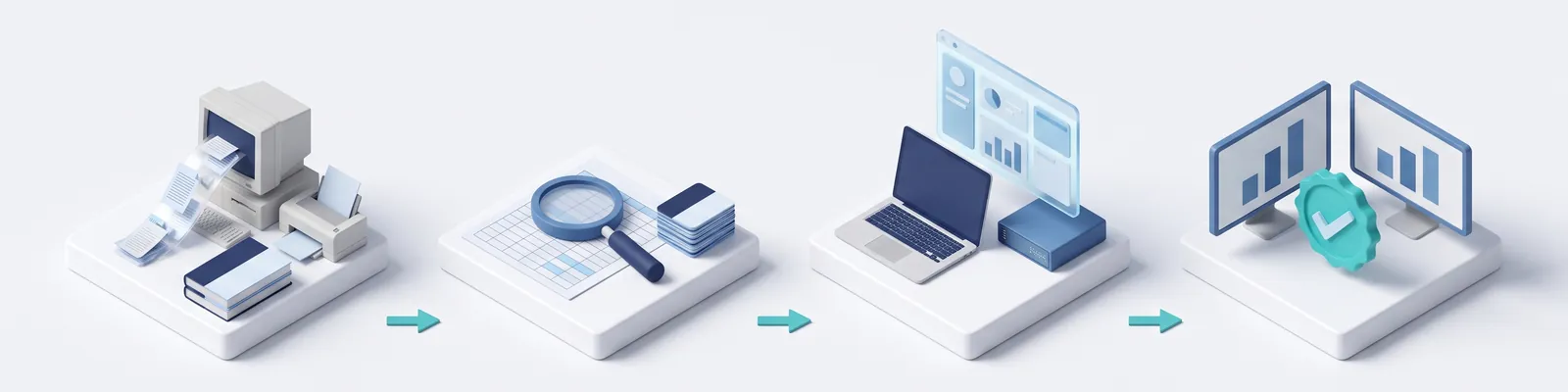
Plan your migration with us- Choose a cut-over dateStart of the tax year or a month-end
- Export from Tally or QuickBooksRecords, closing balances, unpaid invoices
- Clean and matchRemove duplicates, agree account codes
- Import and testA test copy first, then the live system
- Match and go liveEvery balance checked against the old books
When to move
Tally and QuickBooks keep good books. Growth asks for more.
Both are built for accounting. An ERP connects accounting with sales, purchase, stock, production and people in one system. These four signs show when a business needs that connection.
More people need to work at the same time
QuickBooks Online plans allow 1, 3, 5 or 25 users. (Source: Intuit) TallyPrime Gold allows unlimited users, but only on the same office network. Working from outside needs Tally.NET or virtual users. (Source: Tally Solutions)
Stock sits in more than one place
QuickBooks Online tracks inventory only on its Plus and Advanced plans. (Source: Intuit) When goods move between warehouses, shops and a factory every day, each move should be recorded where it happens.
Orders, stock and accounts live in different files
If sales orders sit in Excel, stock on paper and accounts in Tally, someone types the same numbers twice. An ERP keeps them as linked records, so one entry updates the rest.
Your version is losing support
Intuit discontinued QuickBooks Desktop 2023 after 31 May 2026. Discontinued versions lose live support, payroll, payments and online bank feeds. (Source: Intuit)
If none of these apply, your accounting software may still be the right tool. Moving is worth it when the extra typing and checking costs more than the change.
Seeing two or more of these signs?
Tell us how your team works today. We will tell you what an ERP would change.
What moves
You move balances and open items, not every old voucher
A clean move brings four kinds of data. Odoo's own guide lists the same core set: opening balances, unpaid invoices and bills, and an opening stock count. (Source: Odoo docs)
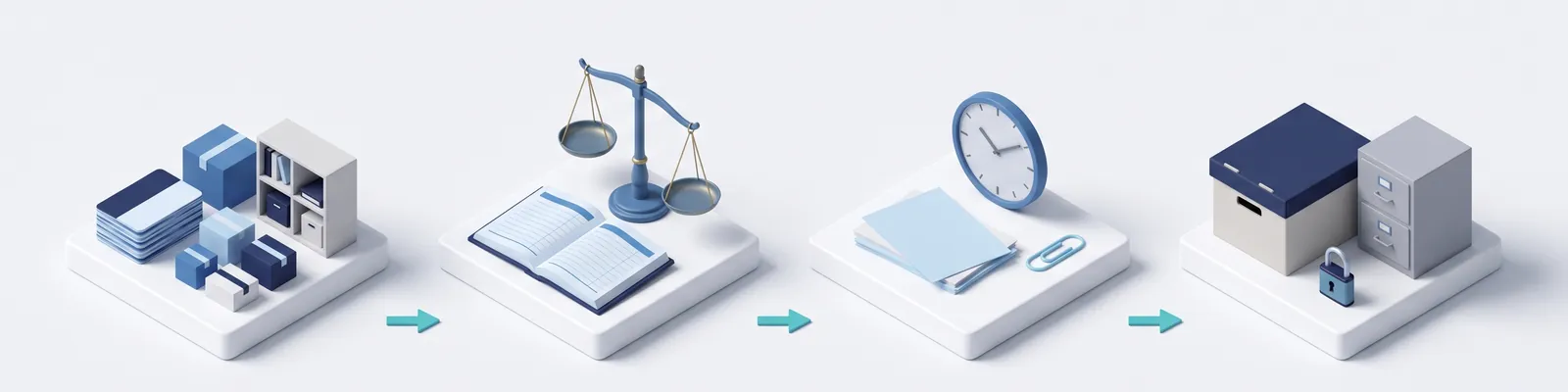
You can bring full history, but every extra year adds work to check. If you need old vouchers for audits, keep the old software, or its exported files, as a read-only archive.
Exporting
Your current software can already export what you need
You do not need special tools to get data out. Both Tally and QuickBooks have export options built in.
TallyPrime
Exports accounting and inventory records, with ledger balances, and vouchers to Excel, XML or JSON. (Source: Tally Solutions) Its "Export closing balance as opening balance" option turns your closing figures into opening figures for the new system. (Source: Tally Solutions)
Export data tool
Go to Settings, then Export data. It saves your reports and lists as Excel files in one .zip file. The chart of accounts exports from the Account List report. (Source: Intuit)
Invento's free app
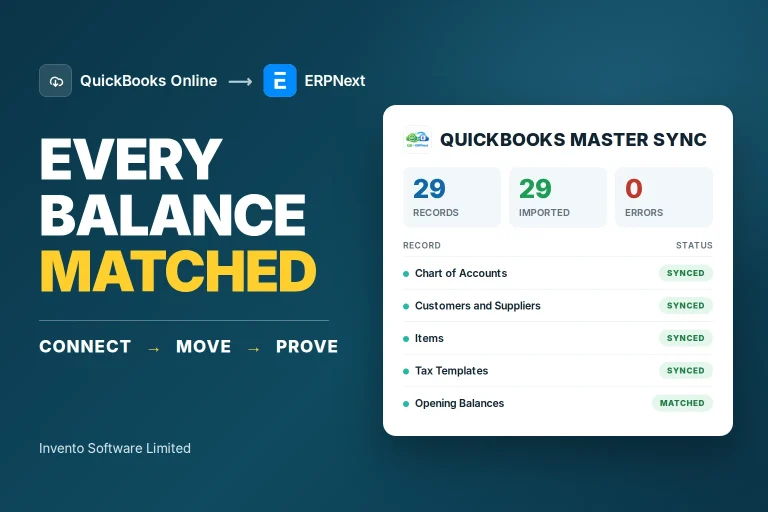
Quickbooks Master Sync moves the chart of accounts, customers, suppliers, items, tax templates and opening balances into ERPNext through Intuit's connection. (Source: Invento)
A different route
The app works with QuickBooks Online only. QuickBooks Desktop files need a different migration route. (Source: Invento)
Importing
ERPNext and Odoo both import through standard tools
Neither platform has a one-click importer from Tally or QuickBooks today. ERPNext removed its old Tally and QuickBooks migrators in January 2025. (Sources: Frappe docs, Frappe on GitHub) Odoo's guide uses import templates, (Source: Odoo docs) and the QuickBooks connectors we found on the Odoo Apps store come from third-party developers. (Source: Odoo Apps store)
| What you bring |  ERPNext ERPNext |  |
|---|---|---|
| Customers, suppliers, items | Data Import tool, using CSV or Excel files (Source: Frappe docs) | Import templates (Source: Odoo docs) |
| Chart of accounts | Chart of Accounts Importer (Source: Frappe docs) | Rename and recode the standard chart, instead of deleting accounts (Source: Odoo docs) |
| Opening balances | Opening balance entries, using Frappe's "Opening Balance in Accounts" migration guide (Source: Frappe docs) | Misc. Operations import template, using temporary clearing accounts (Source: Odoo docs) |
| Unpaid invoices and bills | Opening Invoice Creation Tool (Source: Frappe docs) | Import each invoice or bill with only the total amount due (Source: Odoo docs) |
| Opening stock | Stock Reconciliation, with quantity and valuation rate (Source: Frappe docs) | Inventory Adjustments import template (Source: Odoo docs) |
| Final check | "Validate and Correct the Migration" and "Balance in Temporary Account" guides (Source: Frappe docs) | Check that every clearing account is back to zero (Source: Odoo docs) |
Both routes work. The choice between ERPNext and Odoo depends on the rest of your business, not on the import. For licence and hosting prices, see our ERP software price guide. For a wider comparison, read ERPNext vs Odoo.
Cut-over
Pick one cut-over date, then prove every balance matches
The cut-over date is the day the old books close and the new system takes over. For most companies, Bangladesh's tax year runs from 1 July to 30 June, so 1 July gives a clean start. Banks, insurers and financial institutions use the calendar year. (Source: PwC Tax Summaries) A month-end also works.
- Close the old books on the cut-over datePost every entry up to that date in Tally or QuickBooks, then stop adding new ones there.
- Clean before you importMerge duplicate customers and items, and agree one code for every account. Panorama's 2026 report says success hinges on "data readiness and organizational alignment". (Source: Panorama Consulting, 2026)
- Run a test import firstERPNext's guide says to run a full sales, purchase, stock and accounting cycle before going live, (Source: Frappe docs) and Odoo recommends practising in a test database. (Source: Odoo docs)
- Run side by side for a short timeOdoo suggests working in parallel with your old process at first. (Source: Odoo docs) Agree the end date in advance.
Plan your Mushak records
NBR keeps a list of 55 enlisted VAT software firms. (Source: NBR) Whichever system you choose, ask the supplier to show the Mushak forms you file, using your own data.
Check how you will pay for hosting
A cloud subscription from abroad is paid in foreign currency. Bangladesh Bank consolidated its rules on outward payments, including software fees, on 30 September 2026. (Source: Bangladesh Bank, 30 September 2026) Ask your bank how to pay before you sign.
How long
How long it takes depends on what you move
Moving balances and open items keeps the data work short. Years of history, more branches and custom reports add time.
A standard ERPNext rollout
Frappe's fixed packs, for standard rollouts with no custom development. Sold in India; the Starter Pack is for under 50 users. (Source: Frappe)
Median project timeline
Across the 170 organisations in Panorama Consulting's 2026 survey. (Source: Panorama Consulting, 2026)
Projects over budget
More than a quarter went over budget and almost a quarter ran late. The most common cause of delay was organisational issues. (Source: Panorama Consulting, 2026)
The Panorama figures describe organisations with a median revenue of about USD 200 million. Treat them as a benchmark for large projects, not a forecast for a smaller business. (Source: Panorama Consulting, 2026)
What changes in cost
Three costs change when you move
What you stop or keep paying
On Tally's Bangladesh site, TallyPrime Silver is USD 405 and Gold USD 1,215, each with one year of support (TSS) included. Renewing TSS is a yearly cost after that. (Source: Tally Solutions) QuickBooks Online is a subscription, with plans set by the number of users. (Source: Intuit)
Licence and hosting
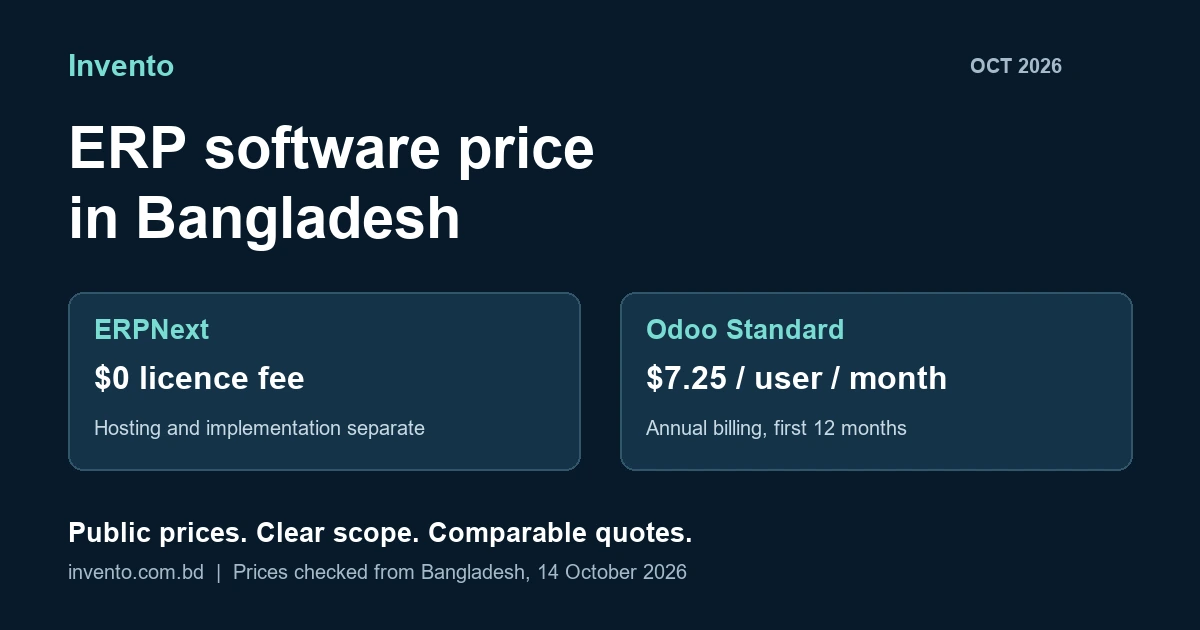
ERPNext has no per-user licence fee; you pay for hosting. (Source: Frappe) Odoo's paid plans are priced per user per month. (Source: Odoo pricing) Our price guide has the current figures.
Migration work
Priced by scope: years of history, number of companies and branches, and how clean the data is. Ask for migration as its own line in every quote.
In practice
100+ client companies moved from QuickBooks Online to ERPNext
ACE Advisory, a tax and corporate advisory firm in Bangladesh, kept the accounts of more than 100 client companies in QuickBooks Online. We moved them into one ERPNext system. (Source: Invento)
This project moved QuickBooks Online to ERPNext. A move from Tally, or into Odoo, follows the same steps with different tools.
Getting started
Write down four things before you ask for a quote
Quotes are only comparable when every supplier prices the same move. Send each one the same four answers.
- Your current software and versionTally, QuickBooks Online or QuickBooks Desktop, and which edition.
- How many companies, branches and warehousesEach one adds records to map and balances to check.
- How much history you needOpening balances only, or past years as well.
- Your preferred cut-over date1 July, or a month-end that suits your team.
Frequently asked questions
Questions about moving from Tally or QuickBooks to an ERP
Can I move from Tally to ERPNext or Odoo without losing data?
Yes, if the move is planned. Export your records and closing balances from Tally, import them on one cut-over date, and check every balance against the old books before you stop using Tally.
Is there a one-click Tally or QuickBooks importer?
Not from the platforms themselves. ERPNext removed its built-in Tally and QuickBooks migrators in January 2025, and Odoo's guide uses import templates. Third-party apps exist, and Invento's free app moves QuickBooks Online records into ERPNext.
Do I need to bring all my old transactions?
No. Opening balances, unpaid invoices and bills, and opening stock are enough to start working. Keep the old software, or its exported files, as a read-only archive for older history.
When should we switch?
The start of the tax year gives clean opening balances. For most companies in Bangladesh that is 1 July. A month-end also works.
How long does the move take?
Frappe plans a standard ERPNext rollout over two to three months. Panorama's 2026 survey of 170 organisations, with a median revenue of about USD 200 million, found a median project timeline of nine months.
Can we keep using Tally or QuickBooks for a while?
Yes. Odoo recommends working in parallel with your old process at first. Agree an end date for the parallel run, so the team does not enter everything twice for long.
Will the new ERP handle Mushak VAT forms?
Ask each supplier to show the Mushak forms you file, using your own data. NBR keeps a list of enlisted VAT software firms; check it as part of your choice.
How much does the migration cost?
It depends on scope: how many years you move, how many companies and branches, and how clean the data is. Ask for migration as its own line in every quote.
Your next step
Bring your trial balance. Leave with a migration plan.
Show us how your books are kept today. We will map what moves, pick a cut-over date with you, and set out how every balance will be checked, in ERPNext or Odoo.
Book a free consultation