Connected ERPNext to Power BI
We configured the data gateway to supply ERPNext records to the reporting process. Business records stayed in ERPNext, while Power BI used the prepared data for analysis.

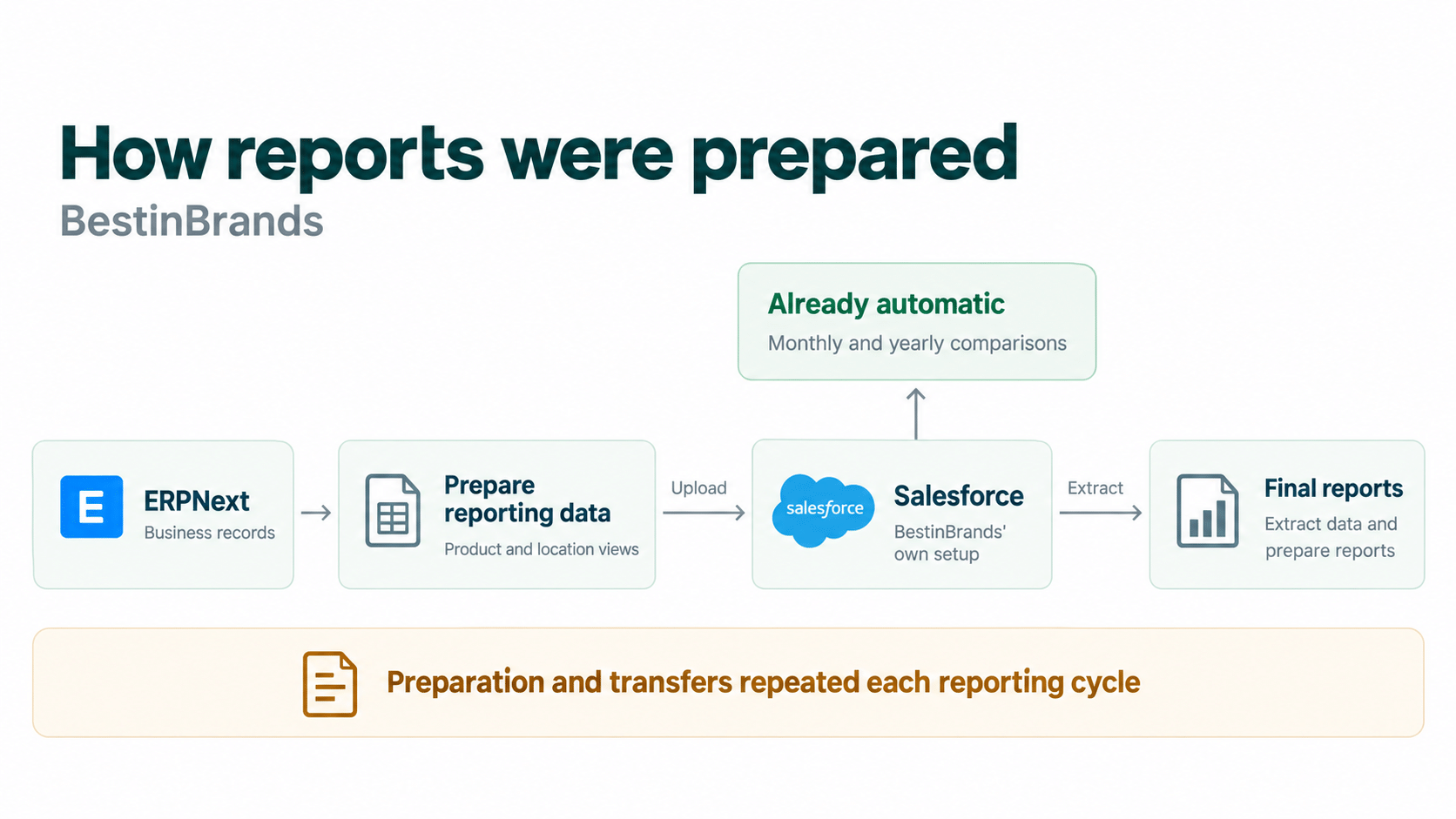
BestinBrands’ sales reporting depended on preparing ERPNext data, uploading it to Salesforce and extracting it again for the final reports. Invento connected ERPNext to Power BI, with reusable preparation rules and a shared reporting model for sales and inventory analysis.
 Power BI
The problem
BestinBrands distributes and markets international brands in Bangladesh. To review sales by product and location, the team prepared ERPNext data, uploaded it to Salesforce and extracted the results for its final reports. Each reporting cycle depended on those preparation and transfer steps.
BestinBrands’ Salesforce setup already produced monthly and yearly comparisons from the figures the team uploaded.
The team needed a reporting process that used the records in ERPNext without repeating that route through Salesforce each cycle.
What Invento built
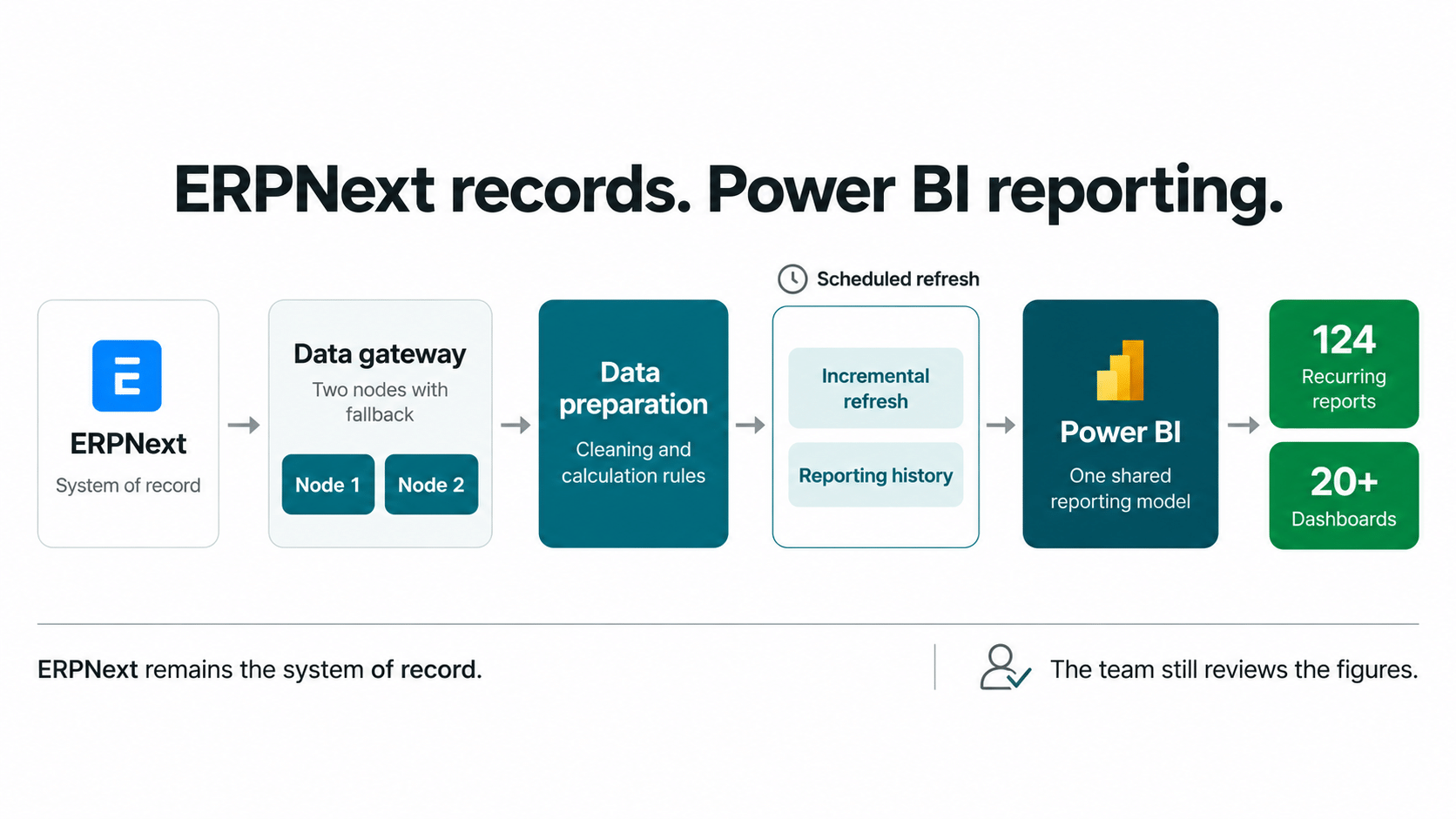
We connected ERPNext to Power BI and built the preparation, calculations and refresh process behind the reports. ERPNext remained the system of record. The new route removed the Salesforce upload and extraction steps for these reports, while the team continued to review the figures.
We configured the data gateway to supply ERPNext records to the reporting process. Business records stayed in ERPNext, while Power BI used the prepared data for analysis.
We built cleaning, standardisation and business calculation rules into the pipeline. Each refresh applied those rules to fresh data, replacing preparation that had to be repeated for each reporting cycle.
We organised the relationships and calculations used by 124 recurring reports and more than 20 dashboards. The reports covered sales by brand, product, channel and location, along with inventory analysis.
We set up scheduled incremental refresh to process changed data and retain earlier periods for comparison. The gateway used two nodes, with a second node configured for fallback. Refreshes still needed monitoring.
Review the steps your team repeats
Bring one report and the steps used to prepare it. We can discuss which calculations and data preparation could run automatically.
Power BI extended the reporting available from ERPNext records. The team could examine sales by brand and product, compare channels and locations, and review stock positions using the same prepared data and reporting definitions.
The result
Reusable preparation rules now supplied the Power BI reports, with the team retaining its review of the figures. Invento’s delivery team reported a shorter preparation time for the most complex recurring report.
Invento’s delivery team provided the estimates, which cover preparation of one complex recurring report, not the entire reporting workload.
124 recurring reports
More than 20 Power BI dashboards
Served through one shared model.
| Preparing reports before | Preparing reports with Power BI |
|---|---|
| ERPNext data passed through Salesforce before the final reports were prepared. | ERPNext data feeds the Power BI reporting process without that transfer stage. |
| Data preparation and transfers were repeated for each reporting cycle. | Reusable rules prepared the data for the shared model. |
| People checked the figures before a report was used. | People continued to review the prepared report. |
Bring a recurring report to a free consultation. We can review its sources, calculations and deadline, then discuss the steps that could run automatically and the checks your team should keep.
Related work and practical guides to help you plan your next step.
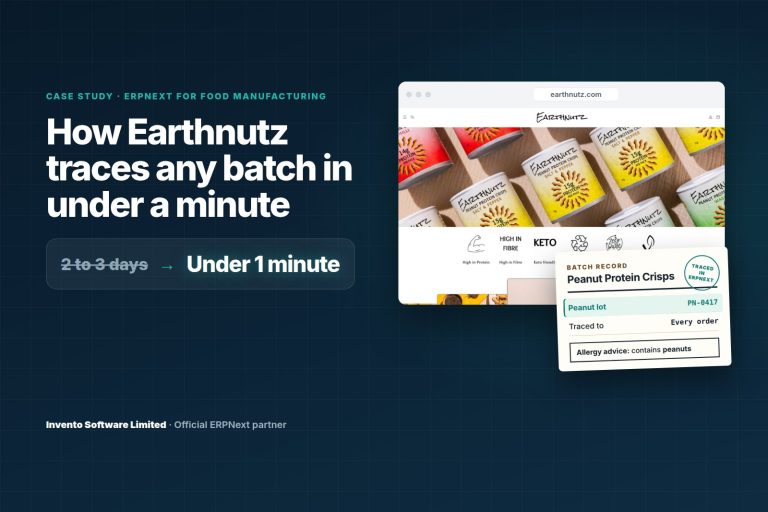 Food manufacturingEarthnutzA food brand born from a family allergy, and the promise it has to keep on every pack.Read the case study
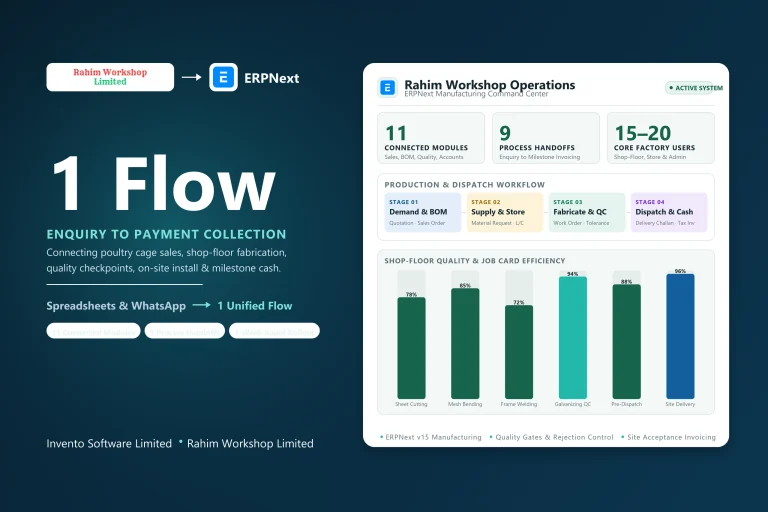 Steel fabricationRahim WorkshopA manufacturing business chose ERPNext. Which handoffs needed to come together?Read the case study
 Accounting and complianceACE AdvisoryA tax practice outgrew QuickBooks. Its next system had to handle much more than the books.Read the case study