
A firm that keeps the books for a hundred companies has two jobs that never stop. Every client's data must stay private, and every return must match the NBR format exactly. We built both into one ERPNext system.
 ERPNextCustom development by Invento · Live since July 2026

ACE Advisory is a tax and corporate advisory firm in Bangladesh. It keeps the accounts and files the returns for more than 100 client companies, and it used to do all of it on QuickBooks Online.
Everyone worked in one shared system, with no way to control which staff member could open which client's books.
VAT, TDS, VDS and AIT work had no home in QuickBooks, so it was tracked outside the books.
Advisory notices and statements went out one client at a time.
QuickBooks kept the ledgers. It could not hold the rules a Bangladeshi tax practice runs on.
ERPNext could. It gives full ownership of the platform, a multi-company accounting core and a framework designed to be extended. So instead of managing access and compliance around the accounting system, we built them into it, as the only Frappe partner listed for Bangladesh in Frappe's partner directory.
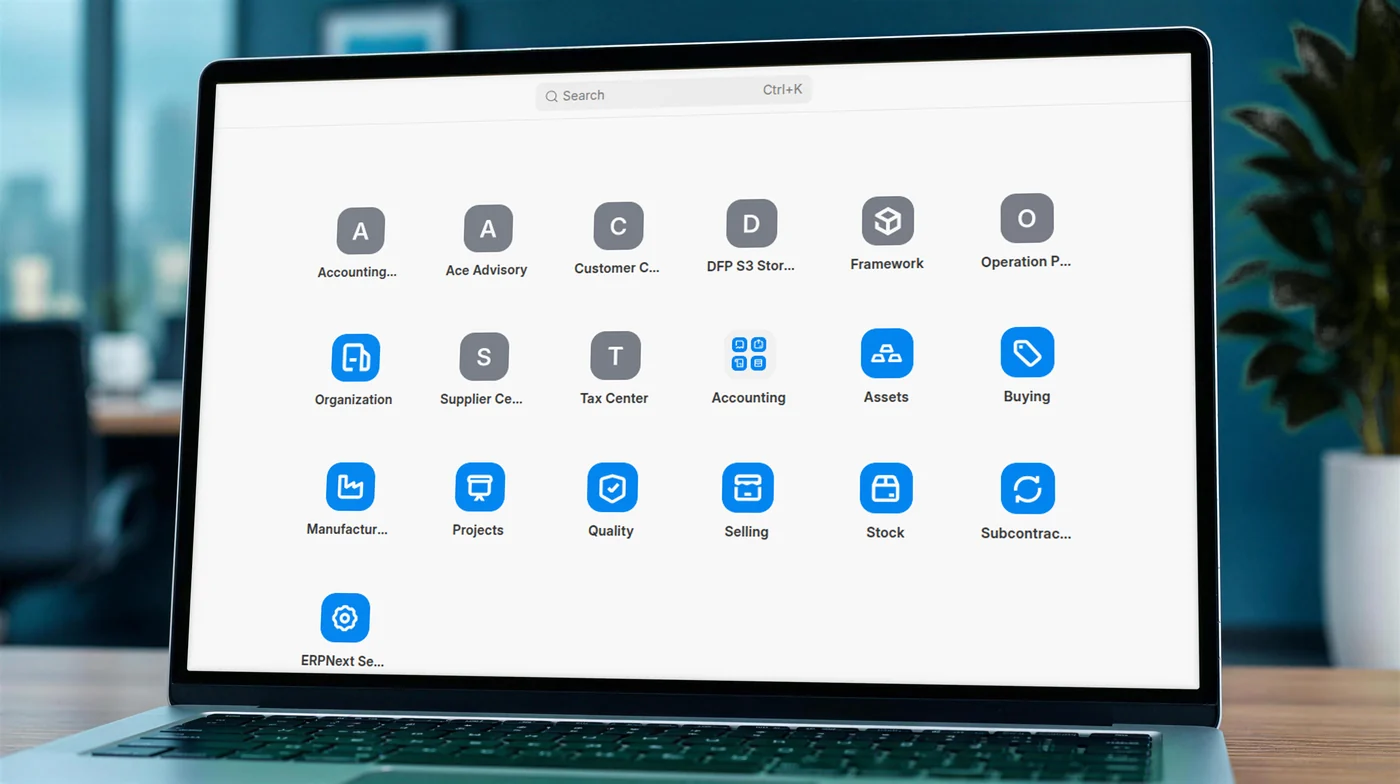
Before any new feature could help, every client's history had to arrive in ERPNext intact. For a firm that files returns for more than 100 companies, one wrong opening balance becomes a wrong return.
We started from an open-source QuickBooks connector first written in 2016 and rebuilt it for this job. It now signs in to QuickBooks Online securely and manages many companies from one place, each with its own sync settings and a full activity log.
Then we moved ACE's companies across one at a time, checking the numbers on both sides before each one went live.
Each company's QuickBooks tax codes are mapped to ERPNext tax templates, with checks that stop an entry importing under the wrong rate.
Balances are compared account by account and party by party, so any difference shows up before anyone files from it.
A migration run can be rolled back and run again, so fixing a mapping never means cleaning up entries by hand.
The accounting logic was checked against real ledgers before a single client depended on it.

The master data part of this connector is available as a free app for ERPNext versions 15 and 16. It moves the chart of accounts, customers, suppliers, items, tax rates, payment terms and opening balances, and compares balances between the two systems. Firms that need their full transaction history moved can get the transaction sync from us.
Every addition is built into ERPNext itself, on the same accounts, the same users and the same data. Nothing sits in a separate tool.
Hover or tap a staff member to see their clients
Generated in ERPNextSection 90 (Rule 4), Income Tax Act 2023
VAT SRO for IT enabled services
Comment written by the systemCustomer B Limited is providing IT enabled service (ITES). Hence, tax shall be deducted at the rate of 7.5% under Section 90 (Rule 4), professional service, of the ITA 2023.
The 27 reports follow the official Mushak formats, from 6.1 and 6.2 to 6.3, 6.6 and 6.10, so every return comes from the same entries as the bookkeeping. No retyping, no second spreadsheet. How VAT compliance works in Bangladesh.
Every sales invoice can be downloaded as a Mushak 6.3 tax invoice, including returns and credit notes, filtered by client and period.
From posted sales invoicesWithholding certificates are generated per vendor and period, in the NBR layout, and can be regenerated after a change.
From VAT deducted at sourcePurchases and sales above 2 lakh taka, listed in the NBR layout with challan numbers, dates and amounts.
From purchase and sales invoicesThe sales accounts book with every column of the official form. Its purchase counterpart, Mushak 6.1, works the same way.
From posted salesAlso in the set: the Mushak 6.1 purchase register, VAT challans, VAT payable summaries and other NBR forms, all from the same entries.
Alongside the forms, bulk email and document tools send advisory notes and statements to many clients at once instead of one by one. ACE also publishes guidance on each form, such as its Mushak 6.3 page.
Advisory notes, tax and VAT payment tracking, tax invoices.
VAT challans, Mushak 6.1 and 6.2 registers, VAT payable summaries.
Management views and topsheets for both.
AIT tracking and monthly deduction summaries.
Outstanding challans, document status and trade-specific ledgers.
Companies and clients set up in ERPNext, and each company's QuickBooks history moved across.
The access layer applied across the whole platform.
27 reports built one at a time against the official forms.
ACE moves its daily work for every client onto ERPNext.
Permissions reorganised for long-term upkeep, quality checks on every update, new features still added.
A dedicated team of four to five people has worked on the platform continuously since September 2025, and ACE has run on it every day since going live. It is the same approach behind our Import and Export LC work: keep ERPNext as the core, add the layer Bangladesh needs.
Compliance belongs in the books, not beside them.
Tell us how your practice or group works today. We will show you how ERPNext would handle your clients, your access rules and your returns.
Related work and practical guides to help you plan your next step.
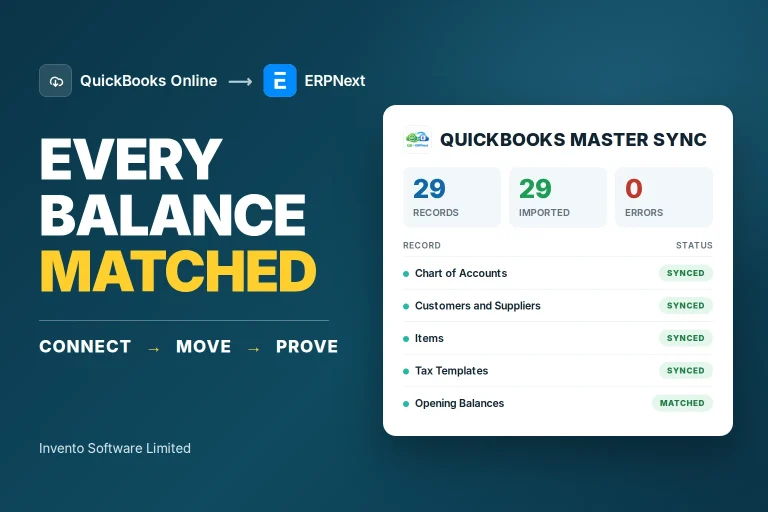 Data migrationQuickBooks to ERPNext migrationWhat happens to your accounts, tax codes and history when the old system has to change?Read the guide
 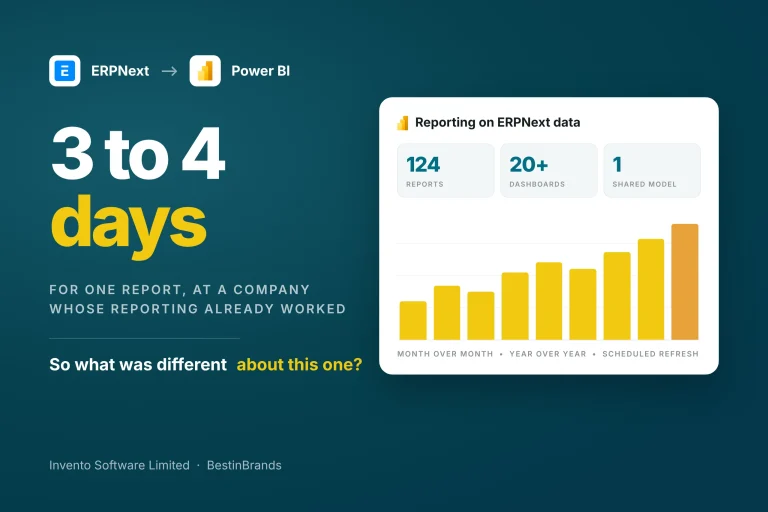 Reporting and analyticsBestinBrands: ERPNext and Power BIReporting already worked. One report still took days. What was getting in the way?Read the case study
 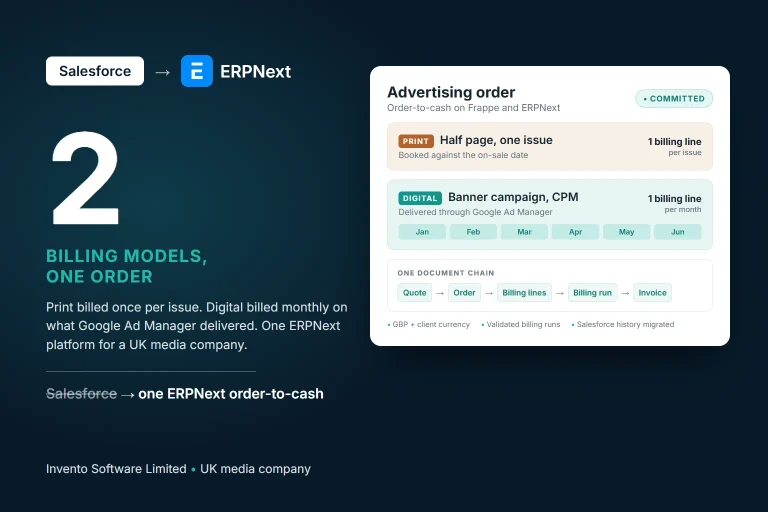 Advertising and billingSalesforce to ERPNext for a UK media companyPrint and digital campaigns bill differently. What would it take to bring them into one system?Read the case study