
Case study · Media and advertising · United Kingdom

Salesforce to ERPNext: Rebuilding Advertising Billing for a UK Media Company

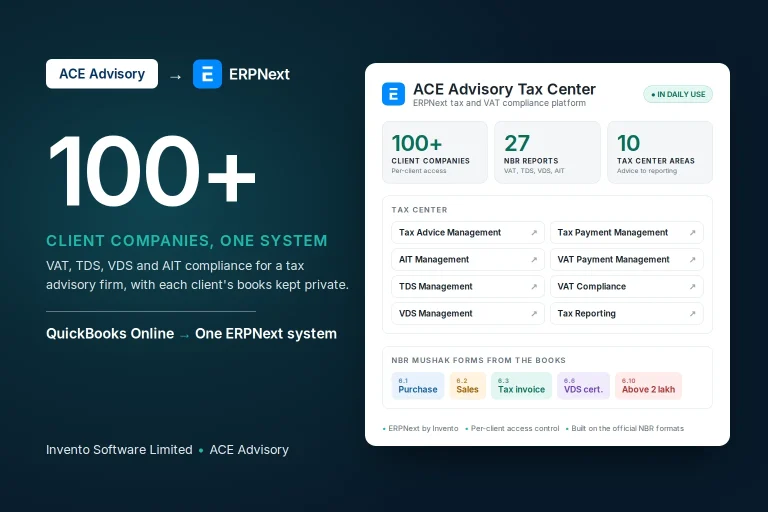
One advertiser books a full page in next month's magazine and three months of banners on the magazine's website. Same customer. Same deal. The page needs one invoice, before the issue reaches the shelves. The banners need a new invoice every month, for an amount nobody knows yet.

For years, every one of those deals lived in Salesforce. Then the publisher began its migration to ERPNext.

Frappe Bronze Partner badgeBuilt by Invento, an official Frappe Bronze Partner
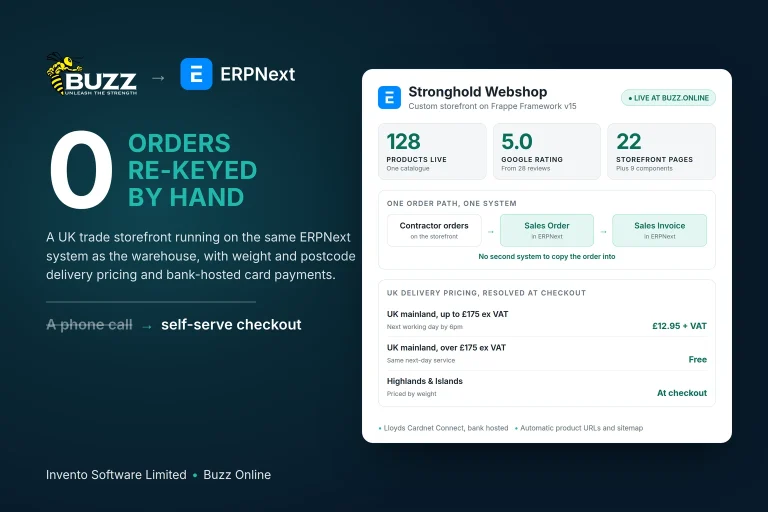
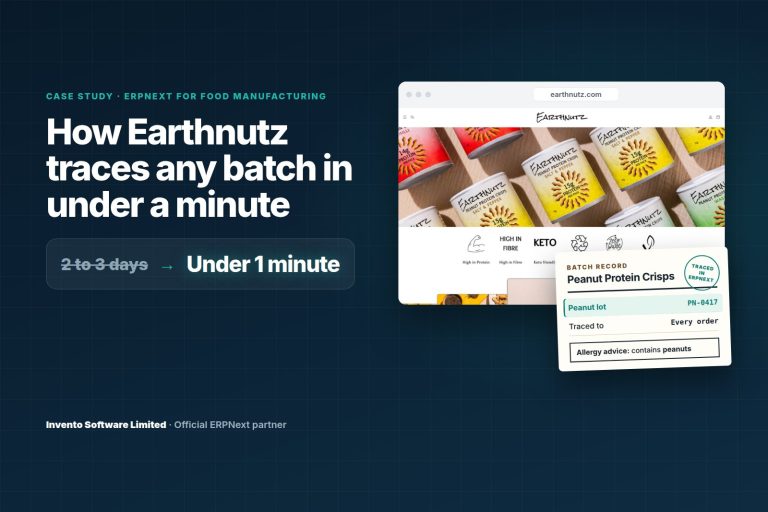
100+ ERPNext implementations since 2015
IndustryMagazine publishing, print and digital advertising
CountryUnited Kingdom
PlatformFrappe Framework and ERPNext
ScopeAdvertising order-to-cash and Salesforce migration
The business

One deal, two clocks

Our client publishes special-interest magazines in the UK and sells advertising in two places: inside the printed issues, and across the titles' websites.

Print runs on the publishing calendar. A page is booked against an issue and invoiced once, seven days before that issue goes on sale.

Digital runs on the ad server. Banners are sold as impressions, delivered through Google Ad Manager, and billed every calendar month. Which means the June invoice cannot be written until somebody knows what actually ran in June.

PrintOne issue, one invoice
JanFebMarAprMayJun
INVOICE7 daysON SALE
DigitalSix months, six invoices
?
JanFebMarAprMayJun
BookedDeliveredFell short
Some clients pay up frontTheir work must not run or be invoiced before the money arrives.
Some are invoiced in their own currencyUp to three currencies on one order, each rate valid only for its window.
Some lines get cancelledHalfway through a campaign, with someone needing to approve it.
The brief

Six questions the new system had to answer on its own

Moving a live advertising business off a mature Salesforce setup is not a data export. Hundreds of thousands of orders and tens of thousands of invoices sat behind it. Before anything could be switched off, the replacement had to answer these without a person working them out by hand.

The answers are at the end. First, how we built the thing that gives them.

The decision

One chain of documents, from first call to finance export

We treated this as a full Salesforce to ERPNext migration, not a copy of records into a new screen. We rebuilt the whole advertising order-to-cash process as a custom application on Frappe and ERPNext.

Each document creates the next one, so a deal is never typed in twice. A quote stays intact for pipeline reporting while the chosen lines move on as a draft order.

  1. OpportunityClient, agency, currency
  2. QuoteBuilt line by line
  3. Draft orderChosen lines, quote kept
  4. CommitRate, PO and prepayment checks
  5. Billing linesPlus fulfilment tracking
  6. Billing runChecks every line
  7. InvoicePDF, email, finance file

Commit is where the work fans out

One order can create many billing and fulfilment records, so commit runs in the background and nobody waits on a spinning screen.

Print line→1 billing line
Digital line→JanFebMarone per month

The order guards itself

Currency can't change once lines exist. Package orders must carry an invoice date. PO numbers flow to every child document, and prepaid accounts are spotted automatically.

Currency lockedInvoice date requiredPO flows downPrepaid detected

Do your orders bill in more than one way?Show us how a deal becomes an invoice today. We'll map what one ERPNext system would take out of it.

Map my billing process
The hard parts

Where the real work was

ERPNext gave us a solid base for customers, accounts and documents. Four parts of this business needed logic built for it.

01Delivery-based billing

Billing digital for what ran, not what was sold

A banner campaign is sold on booked impressions. The advertiser should only pay for what Google Ad Manager actually served. And Google Ad Manager reports what was delivered, not what to invoice.

BuiltA push from the Fulfilment Queue that creates the advertiser, order and line item in Google Ad Manager, and a nightly job that brings delivered impressions back onto each monthly billing line.

Booked vs delivered, per monthIllustrative
JanFebMarAprMayJun
ON HOLDwaits for a decisionBILL AS BOOKEDthe booked valueBILL ACTUALSonly what ran
Result

Each month bills its own share of delivery. A short month is held for a decision instead of going out wrong.
02Multi-currency

Three currencies on one order, and every rate has a date

Revenue is reported in pounds. Clients can be priced in their own currency and invoiced in a third. Every rate is only valid for its window, and old foreign-currency orders still had to add up.

BuiltA dated exchange rate table, refreshed monthly. Orders check it before they commit, and invoicing uses the rate valid on the invoice date.

On every money document
GBPCompany currencyRevenue reporting
ClientClient currencyWhat the order is priced in
Bill-inOptional third currencyWhat the invoice is issued in
JANrate setFEBrate setMARrate setAPRno rate
Result

No order commits on a missing or expired rate. Credit notes split by rate, so each one reverses exactly what was invoiced.

03Bulk invoicing

A billing run that checks its own arithmetic

Invoices go out in batches. One wrong total means a wrong invoice in a client's inbox and a wrong line in the finance ledger.

BuiltA billing run that checks every selected line, merges lines per order into one invoice, and checks the totals again before anything is sent.

Inside one billing run
  1. Check each lineStatus, amount, currency, rate, impressions
  2. Merge lines per orderOne invoice per order
  3. Totals don't match? Roll backThe whole invoice, with the reason logged
  4. PDF, email, finance fileSent only after everything balances
Result

Nothing half-finished reaches a client or finance. Finance can run it on demand, and a scheduled run handles everything due each morning.

04Salesforce migration

Bringing the history across, and touching it exactly once

Hundreds of thousands of orders and tens of thousands of invoices had to stay traceable after the move. If live pricing ever recalculated an old invoice, the books would stop matching.

BuiltA migration into the new document chain that keeps the Salesforce ID on each record, with historic documents flagged so live pricing never touches them.

Salesforce record
TypeInvoiceRecord IDOriginal
Migrated once, under control
ERPNext record
Salesforce IDKeptHistoric flagOnLive pricingNever applied
Result

Any migrated record traces back to its Salesforce original. Old currency values were converted once and stay that way.

Leaving Salesforce, but not your history?We plan the migration around the records you can't afford to lose.

Talk to our ERPNext team
Control

Automation for the routine. A person for anything that costs money.

Every decision with money attached has its own screen, built for the team that owns it.

Finance

Prepayment Queue

Prepaid orders wait here until payment is recorded. Only then do they commit and create billing lines.

Sales operations

Line Approvals Queue

Cancellations need a reason and an approver. The decision flows to the related billing and fulfilment lines.

Ad operations

Fulfilment Queue

Committed digital lines go to Google Ad Manager from here. Copy chasing and delivery are tracked per line.

Finance

Billing Approval Queue

Filter pending lines by market, issue, channel or date, review them, then invoice the ones selected.

After the sale: one tool issues a credit against an invoiced line, another changes a live digital campaign and pushes the change straight to Google Ad Manager. Credits are issued as credit notes on the next billing run.

Unattended

What runs while nobody is at a desk

Every night

Delivery comes in

Delivered impressions are pulled from Google Ad Manager onto the digital billing lines.

Every morning

Invoices go out

The billing run invoices everything due, emails the PDFs and produces the finance file.

Every month

Rates roll forward

New exchange rate rows are seeded for the coming month, ready for orders to check against.

The answers

Six questions. The system answers all of them.

Our client now runs quoting, commitment, ad server fulfilment, delivery-based billing, multi-currency invoicing, credit notes and the finance export on one platform, with its full Salesforce history inside it.

01What did this campaign actually deliver?It's on each monthly billing line, pulled from Google Ad Manager every night.
02What do we bill when it falls short?The line goes on hold, then bills as booked or bills actuals. Never a guess.
03Which exchange rate applies?The dated rate valid on the invoice date. No valid rate, no commit.
04Has this prepaid client paid?If the order has committed, yes. It can't commit until payment is recorded.
05Can a wrong total slip out in a batch?No. An invoice that doesn't balance is rolled back before it is sent.
06Where did this old invoice come from?The same record, carrying its original Salesforce ID.

Print bills by the issue. Digital bills by the impression. Now one system does both.

Selling something that bills in more than one way?

Tell us how your orders turn into invoices today. We'll show you what one ERPNext system would take out of the process, including the move off Salesforce.

or see how we implement ERP
  • Official Frappe Bronze Partner
  • 100+ ERPNext implementations since 2015
  • Salesforce migrations that keep your history traceable
  • Custom Frappe applications built around your process

Questions about moving from Salesforce to ERPNext

Can a business move from Salesforce to ERPNext without losing its history?
Yes. On this project, orders, billing lines and invoices were migrated into a new ERPNext document chain with their Salesforce IDs kept on each record, so any migrated document traces back to its original. Historic documents are flagged so live pricing never recalculates them.
Can ERPNext bill digital advertising from Google Ad Manager delivery?
With a custom integration, yes. Campaigns are pushed to Google Ad Manager, delivered impressions are pulled back every night, and each month is billed for what was delivered. Under-delivery follows a set policy: bill as booked, bill actuals, or hold the line.
How does ERPNext handle print and digital advertising on the same order?
Both share one order and one customer record. A print line creates a single billing line tied to the issue's on-sale date. A digital line creates one billing line per calendar month, prorated by days and checked against delivered impressions.
Can ERPNext invoice clients in a different currency from the booking?
Yes. Orders carry a company currency, a client currency and an optional bill-in currency, validated against a dated exchange rate table. The rate is fixed on the invoice, and credit notes are split by rate so each one reverses exactly what was charged.
Who implemented this Salesforce to ERPNext migration?
Invento Software Limited, an official Frappe Bronze Partner that has implemented ERPNext since 2015, with more than 100 implementations listed by Frappe. Invento built the advertising order-to-cash application on Frappe and ERPNext and migrated the client's Salesforce history into it.

Have a question about your own setup? Ask our ERPNext team