POS software price in Bangladesh Software, equipment and setup.
The price of a POS reflects the work it handles: checkout, stock, customers and branches. Software, equipment and setup make up different parts of the bill.
By Invento Team
When the shop closes, you need to know what sold, whether the day's payments add up and which products need replenishing. If answering those questions means collecting bills, checking separate spreadsheets and calling staff, your team is spending time piecing together information from the same day's sales.
In a 2021 survey of 400 customers at Shwapno, Agora and Meenabazar in Dhaka, Chattogram and Sylhet, about 82% agreed that unavailable products were a problem, and about 82% agreed that long waits at payment queues were a problem. (Source: CBR)
The POS you choose should fit how your business sells and manages stock. One shop may need straightforward billing, returns and daily reports. Several outlets may also need branch stock, transfers, shared customer records and controls over who can change a price or approve a refund.
These differences explain why POS prices vary. The bill reflects the functions, equipment and implementation work behind the checkout counter.
What a retail POS connects
A POS records sales at checkout. Depending on the edition, it can also handle purchases, customer records, returns and stock across outlets. A bank's card terminal accepts payment; it does not replace those shop records.
A 2026 study covering 11 stores of one UK grocery retailer found that 64.7% of audited stock records differed from the physical count. (Source: Wiley) Sales, returns, deliveries and transfers all change stock, so accurate records depend on those movements being recorded consistently.
| Retail operation | What the POS connects |
|---|---|
| One counter with straightforward stock | Billing, returns, stock quantities and daily sales reports |
| Products with sizes, colours or other variants | Each item sold with its own price, barcode and stock balance |
| Several outlets | Stock by location, transfers, staff permissions and combined reporting |
| A shop connected to online sales or accounts | Products, orders, stock changes and payment records across systems |
A small package can cover a single counter. Shared stock, several locations and connections to other systems introduce more work. Our small business POS guide covers Odoo, ERPNext and other platforms.
Why POS packages carry different prices
Prices checked on 29 October 2026. Offers, renewal terms and applicable taxes may change.
Published packages differ in their outlet allowances, product limits, users and included services. A monthly fee describes only part of what the business is paying for.
| Product and plan | Published software price | Included scope and additional costs |
|---|---|---|
| Bisnesy Starter cloud | Tk499 per month | POS, inventory and purchases. One branch, one counter and three users. Basic setup help included. |
| EPOS BD Growth | Tk999 per month or Tk9,990 per year | One outlet, five users and 3,000 products. Listed setup Tk1,490; annual offer advertises a waiver. |
| POSDokan Starter | Promotional Tk1,499 per month | Counter sales, inventory and reports. One branch, up to four users. Setup Tk10,000; VAT excluded. |
| Bisnesy Starter desktop | Promotional Tk12,000 once | Offline POS, stock and dues on one computer. Updates and setup help included; optional cloud sync Tk2,500 per year. |
| Invento POS | Quotation for the required scope | Inventory, item variations, multiple locations and API connection options. Software, implementation and ongoing services need an agreed scope. |
Users, devices, counters and branches are separate limits. A plan allowing several staff logins may still permit only one checkout counter. Likewise, an advertised integration does not establish which records it exchanges or whether setup is included.
A local desktop licence and a cloud subscription also place different responsibilities on hosting, backups and synchronisation. The recurring bill depends on which of those services the package includes.
Monthly, annual and one time licences
Annual billing may reduce software spending but requires advance payment. A one time licence can leave support, backup or synchronisation chargeable. Additional counters and branches can also move the business into a different subscription tier.
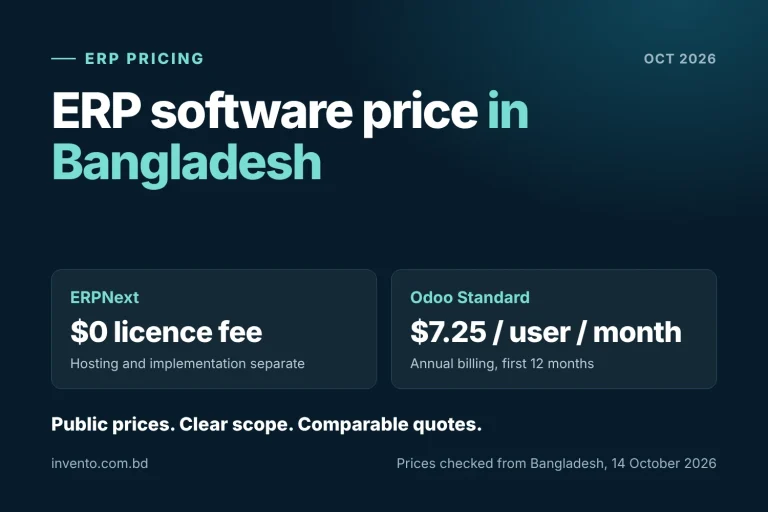
Free software still needs delivery work. ERPNext separates its free software from hosting and implementation. Odoo offers One App Free under its plan conditions, with implementation outside the subscription. Configuration, training and maintenance remain part of running the system.
Hardware adds a separate bill
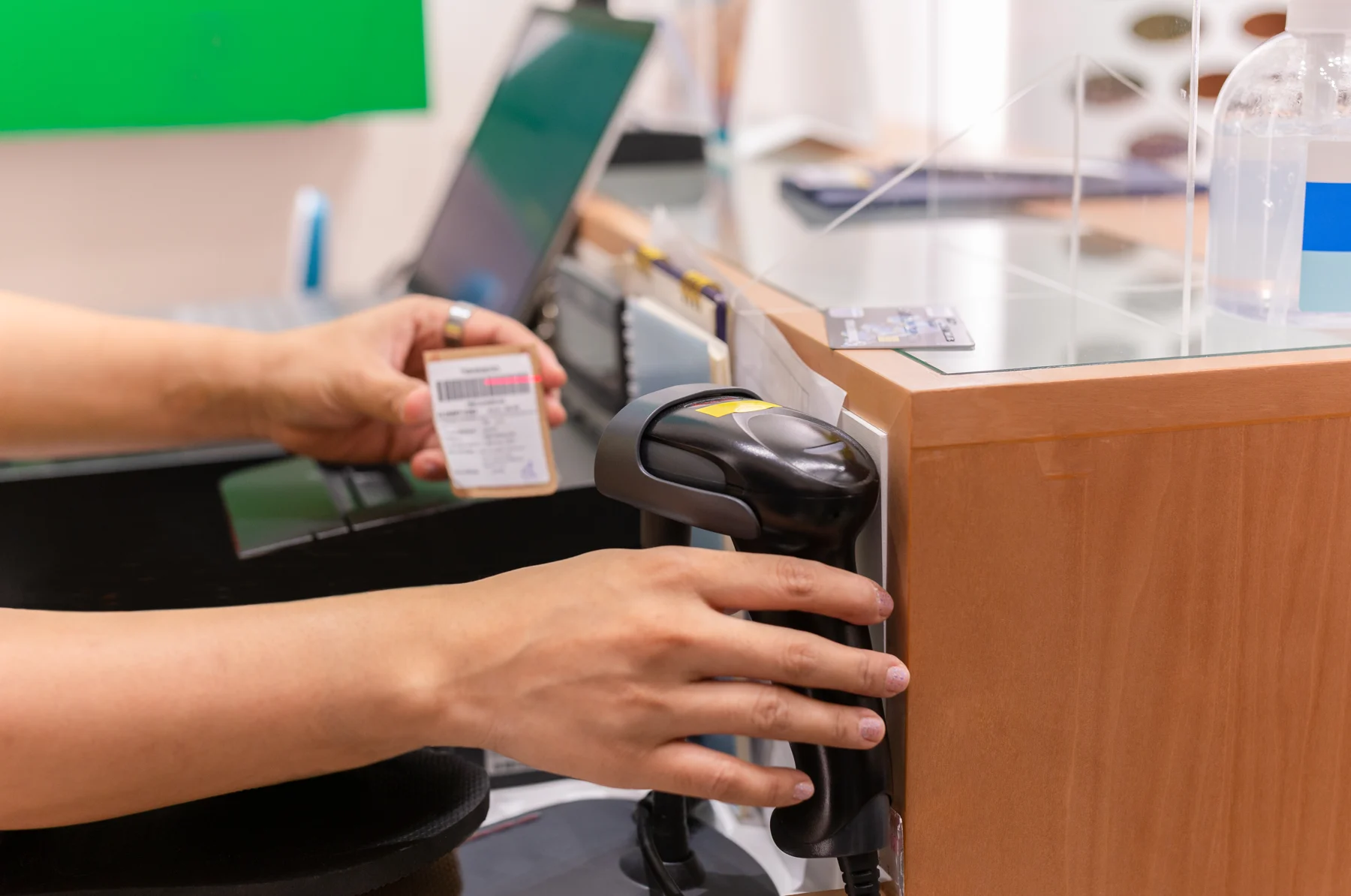
A compatible existing computer can reduce initial spending. A new counter may also need a receipt printer, barcode scanner, cash drawer and backup power.
| Equipment | Published price | Role at the counter |
|---|---|---|
| Xprinter XP-Q807K receipt printer | Tk5,500 | Printed sales receipts |
| Sunlux XL-3600 barcode scanner | Tk3,050 | Product lookup from barcodes |
| Rongta RT-335 Mini cash drawer | Tk3,900 | Cash storage and opening through the printer connection |
| Power Pac 650VA UPS | Tk3,650 | Backup power during an interruption |
| Subtotal without a computer | Tk16,100 | Software and implementation excluded |
These are individual published cash or online prices, rather than a tested bundle. Compatibility, warranty, delivery and taxes affect the final purchase. A label printer adds another cost where the shop creates labels; products with usable supplier barcodes may not need relabelling.
A complete counter package may already include a computer and peripherals. Its price covers a different purchase from the peripheral subtotal above.
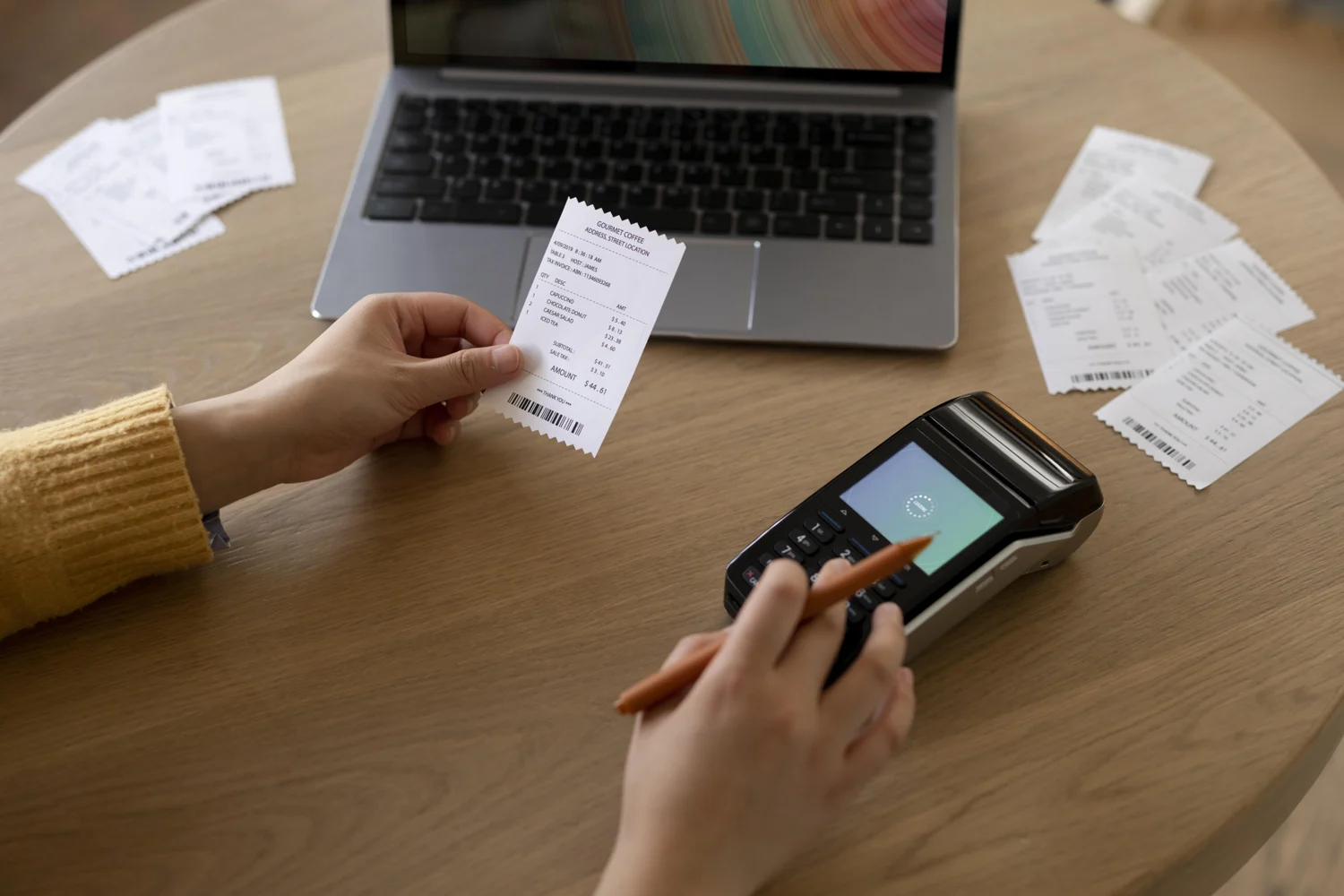
Opening stock is part of the setup cost
Before launch, someone must prepare products, prices, barcodes and opening quantities. If one item has different codes in three spreadsheets, importing all three preserves the problem. Customer dues and supplier balances may need reconciliation too.
Setup therefore includes work on the records as well as the software. Staff training also covers returns and daily closing, beyond learning to print a bill.
The same UK study estimated an 11% sales lift after stock areas were tidied, items counted and records corrected, compared with a matched control store. (Source: Wiley)
EPOS BD lists product import support at Tk1,490 and printer setup at Tk990, while migration requires a quotation. These separate charges show how onboarding services can sit outside the software fee.
Our inventory software buyer's checklist explains the stock preparation in more detail.
How the first year budget changes
Equipment ownership and outlet count change the total.
The calculations use monthly Bisnesy billing, compatible existing computers and the same Tk16,100 peripheral set wherever equipment is needed. This isolates equipment spending and the plan change for several outlets.
| Situation | New peripherals | Listed setup fee | Software for 12 months | Published cost subtotal |
|---|---|---|---|---|
| One outlet, all equipment already suitable, Starter | Tk0 | Tk0 | Tk499 × 12 = Tk5,988 | Tk5,988 |
| One outlet, existing PC, new peripheral set, Starter | Tk16,100 | Tk0 | Tk5,988 | Tk22,088 |
| Three outlets, existing PCs, one new set each, Pro | Tk48,300 | Tk0 | Tk1,499 × 12 = Tk17,988 | Tk66,288 |
Bisnesy plans include basic setup help without a setup fee. Pro allows five branches and ten counters; the third calculation uses three outlets with one counter each. Hardware sources appear above.
These are partial budgets. New computers, applicable taxes, delivery, migration, custom work, consumables, internet and payment charges are excluded. Complex data preparation can add to implementation costs.
The first two cases differ by Tk16,100, entirely from equipment. The third adds two peripheral sets and a different subscription tier, while retaining the same assumption of existing computers.
Later years carry a different mix of costs: renewals, support, hosting where separate, upgrades, consumables and repairs. Initial equipment spending and recurring software spending affect the budget at different times.
What sits behind the feature list
Two systems can both advertise inventory, digital payments and multiple branches while handling the underlying records differently. Those differences affect the work left to staff and the cost of connecting systems.
Sales and returns change several records
A connected POS links the item sold with its price, payment and stock quantity. A return affects the refund and sales records, with stock adjusted according to whether the goods can be resold. Separate records leave staff with more reconciliation work.
Recording a payment differs from confirming it
Entering “bKash” and a reference records what the cashier selected. An integrated payment connection can validate the transaction amount and status through the provider. (Source: SSLCOMMERZ) Integration work and provider charges are separate from the POS licence.
Branches and offline sales add complexity
A stock transfer involves a sending branch, a receiving branch and goods in transit. Central reporting depends on those movements being recorded consistently. Offline selling introduces another handoff when a counter reconnects and its transactions reach the shared records. Available functions depend on the product and configuration.
Receipt formats can introduce further configuration work. NBR identifies Mushak 6.3 as the tax invoice. (Source: NBR) The applicable requirements depend on the retailer's tax status and business category.
Invento POS for connected retail operations
Our Invento POS connects inventory, item variations, cash tracking, reports and multiple locations, with API options for connecting existing systems. The implementation covers the agreed setup, connections and support around those retail functions.
For Sundora's perfume retail operation, we implemented Invento POS for sales, customer relationships, loyalty and inventory, with installation for multiple terminals, staff training and ongoing support.
Our work with House of Ahmed applies Invento POS to designer fashion retail. For businesses connecting retail with purchasing, warehouses and accounts, our retail ERP guide explains the wider system scope.
Frequently asked questions
Why does Invento POS pricing require a quotation?
Functionality, users, modules and implementation requirements affect the price. A single shop and an operation with several outlets or system connections can require different software and services.
What happens if I stop paying a subscription?
Access to records, exports, backups and support depends on the supplier's terms. Subscription expiry and data ownership are separate parts of the service agreement.
A POS that fits the way you sell
Our team can explain Invento POS pricing and the services relevant to your retail operation.