Operating a modern retail business across multiple branches, physical outlets, and online storefronts with disconnected cash registers and manual spreadsheets is an unsustainable liability. Retail executives consistently encounter phantom inventory, painful end-of-day cashier discrepancies, stockouts on bestselling SKUs, and complex statutory tax reporting. A modern Retail Enterprise Resource Planning (ERP) system unites Point of Sale (POS), warehouse logistics, automated replenishment, CRM loyalty programs, and fiscal accounting into a single real-time operational engine.
🛒 Essential Retail Transformation Highlights for 2026:
- Omnichannel Synchronization: Real-time inventory visibility across physical store branches, central distribution warehouses, and e-commerce portals prevents stockouts and over-selling.
- Offline-First POS: Front-line cashier terminals process high-speed transactions continuously during internet outages and automatically sync data once connectivity is restored.
- Fiscal & VAT Automation: Automatic generation of NBR-compliant Mushak 6.3 tax invoices at checkout, eliminating manual bookkeeping and audit penalties.
- Turnkey Implementation: Partnering with an authorized ERP integrator like Invento Software Limited ensures seamless hardware integration and tailored staff onboarding.
1. Why Traditional Retail Systems Fail Modern Multi-Store Chains
Many growing retail businesses begin with basic electronic cash registers or standalone desktop POS software. While sufficient for a single shop, these isolated setups collapse when businesses expand to two or more branches. Common operational failures include:
- Inventory Blind Spots: Branch A runs out of a bestselling product while Branch B has dozens of units gathering dust, yet store managers cannot see each other’s stock levels.
- Disjointed Customer Experience: A customer earning loyalty points at your flagship store cannot redeem them at your airport outlet or e-commerce website.
- Cashier Theft & Shrinkage: Without automated cash float tracking, cashier shift handovers, and barcode audits, internal inventory shrinkage can erode 3% to 6% of gross retail margins.
- Manual Month-End Nightmares: Finance teams spend weeks collating manual receipts, paper Mushak forms, and bank slips to reconcile books.
To learn how centralized software resolves these bottlenecks, see our in-depth analysis on What is ERP and How Does It Work? and discover top ERP trends reshaping commercial operations in 2026.
2. Architectural Matrix: Standalone POS vs Integrated Retail ERP
Understanding the architectural differences between a standard point-of-sale tool and a full-scale Retail ERP helps business owners invest in systems that scale sustainably:
| Operational Area | Standalone POS Software | Integrated Retail ERP System | Business Impact |
|---|---|---|---|
| Multi-Store Stock Visibility | Isolated to each individual register; no cross-branch visibility. | Centralized real-time inventory across all stores, warehouses, and e-commerce portals. | Eliminates stockouts and enables instant inter-store stock transfers. |
| Inventory Replenishment | Manual stock checks and phone calls to warehouse managers. | Automated Reorder Level (ROL) triggers, purchase orders, and batch barcode tracking. | Reduces inventory holding costs by up to 25% while maintaining 99% item availability. |
| Customer Loyalty & CRM | Basic customer phone list saved locally in terminal memory. | Unified customer profiles, tiered loyalty points, personalized SMS discounts, omni-redemption. | Increases customer lifetime value (LTV) and repeat purchase frequency by 35%. |
| Accounting & Tax Compliance | Daily sales totals exported manually to external spreadsheets or desktop accounting tools. | Automated general ledger posting, COGS calculation, and NBR Mushak 6.3 invoice generation. | Eliminates double-entry errors and ensures 100% statutory tax compliance. |
| Supply Chain & Procurement | Completely detached from purchasing and vendor management. | Integrated supplier price lists, landed cost calculation, and goods receipt note (GRN) verification. | Full visibility over gross margins, vendor fulfillment rates, and landed item costs. |
For a detailed guide on evaluating standalone checkout solutions versus enterprise configurations, read our comparison on Is POS Software the Right Choice for Your Retail Store? and explore The Best POS System for Small Business.
3. Core Modules of an Enterprise Retail ERP System
A modern retail ERP architecture consists of integrated modular building blocks that automate operations from the sales floor to executive reporting:
1. Point of Sale (POS) & Cashier Shift Reconciliation
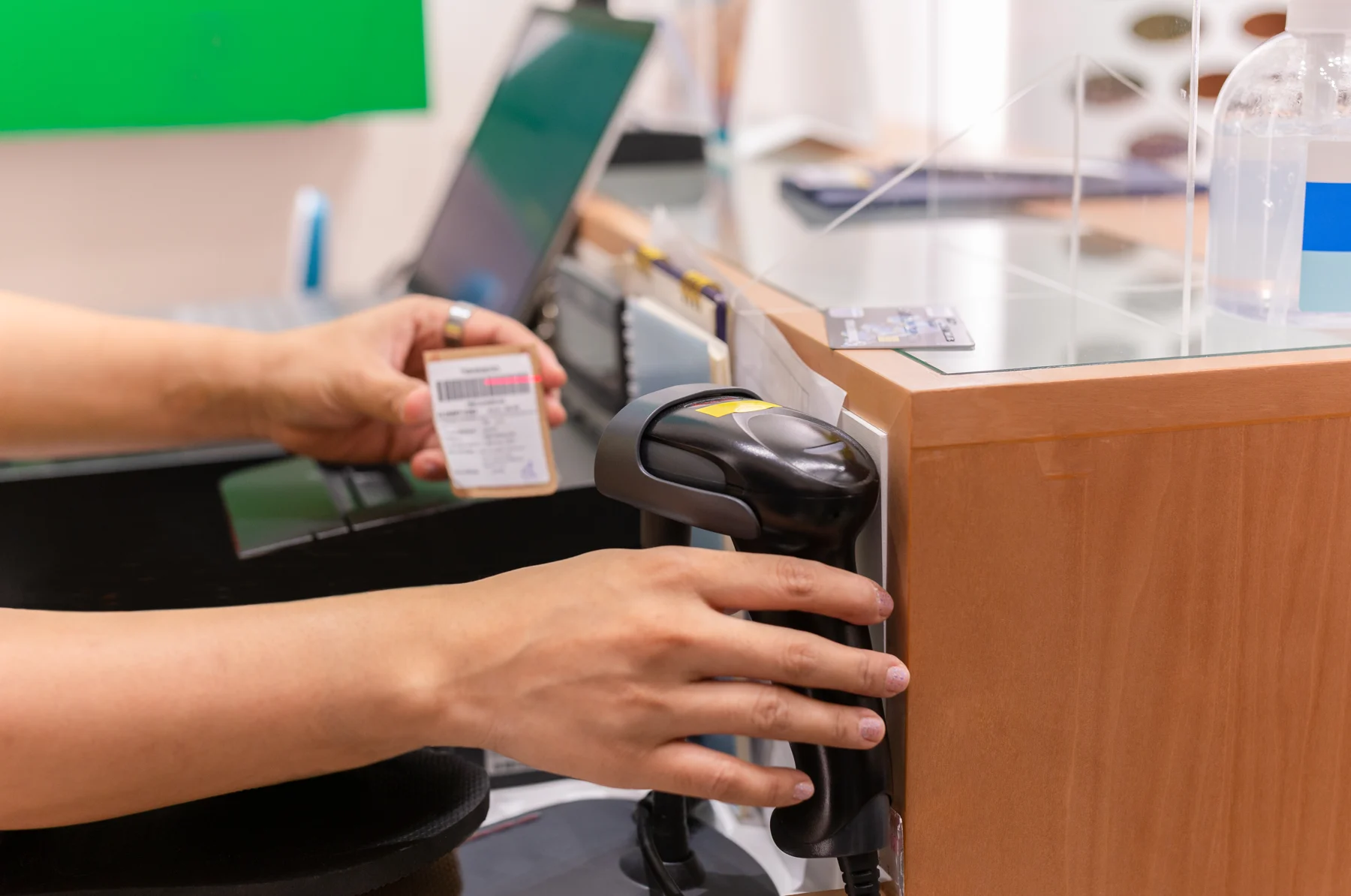
Cashiers require sub-second transaction speed during peak shopping hours. The integrated POS module connects directly with 1D/2D barcode scanners, thermal receipt printers (ESC/POS), magnetic swipe readers, weighing scales, and cash drawers.
The Shift Reconciliation Cascade: Each cashier begins their shift by recording the opening cash float. During the shift, every transaction is segregated into payment modes: Cash, VISA/Mastercard, and Mobile Financial Services (bKash, Nagad). At shift closure, the system produces a blinded cash count report. Discrepancies generate an automatic cash over/short ledger entry, holding cashiers accountable and reducing cash leakage to zero. Explore our dedicated POS Software Solutions.
2. Multi-Warehouse, Inter-Store Transfers & Batch Barcoding
Track inventory movement across central distribution centers (CDCs), regional sorting hubs, in-transit shipping containers, and retail store shelves.
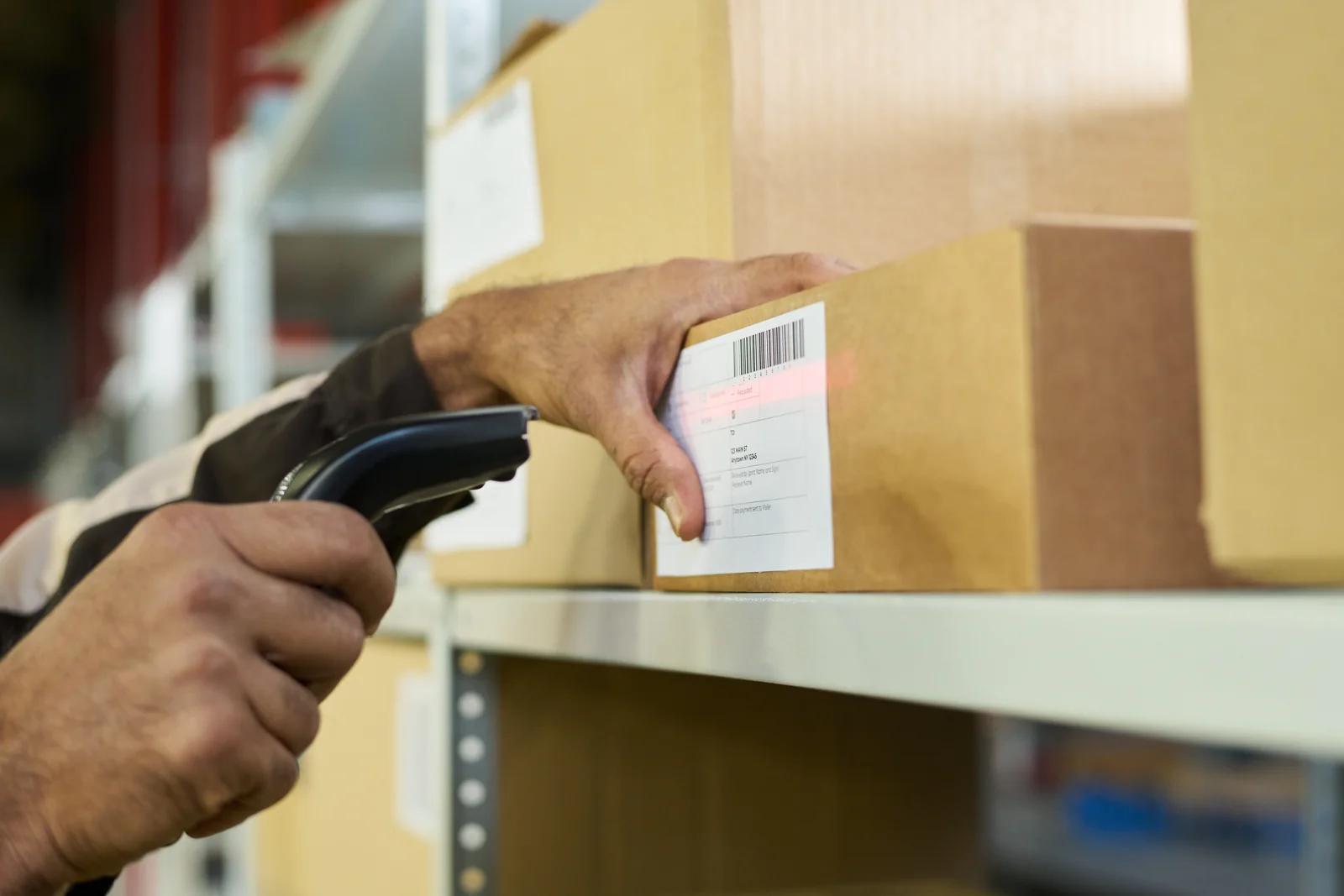
Inter-Store Transfer Tracking: When Branch A transfers surplus inventory to Branch B, a Material Transfer document is created. The stock leaves Branch A’s ledger and enters an In-Transit Warehouse ledger until Branch B physically scans the incoming items against the Goods Receipt Note (GRN). This prevents stock loss during logistics transit. For perishable goods and cosmetics, First-Expiry-First-Out (FEFO) logic automatically directs cashiers to sell earliest-expiring batches first. Discover more in our guide on What is Inventory Management Software and implement automated Demand Planning Software.
3. Automated Bangladesh NBR VAT & Mushak 6.3 Compliance
In Bangladesh, National Board of Revenue (NBR) regulations mandate digital VAT invoices. A modern retail ERP calculates applicable VAT (typically 5%, 7.5%, or 15%), Supplementary Duty (SD), and Advance Tax (AT) automatically at the point of billing.
The system prints compliant Mushak 6.3 invoices for shoppers with QR codes and tax breakdown tables, while simultaneously updating the central Mushak 9.1 monthly tax return ledgers. When tax inspectors conduct audits, retail executives can produce itemized electronic sales registers within seconds. Read our comprehensive blueprint on Bangladesh VAT Compliance & Automation.
4. Omnichannel CRM & Promotional Pricing Engine
Run sophisticated promotional campaigns effortlessly: Buy One Get One (BOGO), seasonal bundle discounts, volume tier discounts, and membership loyalty perks.
The pricing engine applies discounts based on customer membership tiers, promotional dates, and branch locations. Points accrued at POS checkout are immediately reflected on the customer’s mobile profile and e-commerce portal account. Learn more about customer engagement through Integrated CRM Software.
5. Supply Chain & Automated Replenishment
Maintain complete control over supplier relationships, purchase requisition approvals, and landed cost allocations.
Automatic replenishment orders generate as soon as store inventory breaches safety stock thresholds, factoring in supplier lead times and historical seasonal velocity. See our complete resource on The Role of ERP in Supply Chain Management.
4. Deadstock & Slow-Moving SKU Optimization
Excess inventory ties up working capital and inflates warehousing overhead. Retail ERP platforms provide automated inventory turnover analysis using ABC-XYZ classification:
- Fast-Moving “Class A” Products: The 20% of high-velocity SKUs that generate 80% of revenue. ERP ensures zero stockouts via continuous automated reordering.
- Moderate “Class B” Products: Steady sellers with predictable demand cycles requiring weekly review.
- Slow-Moving “Class C” Deadstock: SKUs with zero sales in 60 to 90 days. Retail ERP triggers proactive clearance bundles, promotional markdown alerts, or vendor returns before products become unsellable.
5. ERPNext vs Odoo: Which Retail ERP Platform Should You Choose?
When selecting an open-source, enterprise-grade retail platform, two world-leading solutions dominate the market: ERPNext and Odoo. Both offer robust retail capabilities, but their architectural philosophy and licensing models differ:
- ERPNext for Retail: 100% open source under the GNU General Public License with zero per-user licensing fees. Excellent out-of-the-box multi-store POS, robust manufacturing and assembly, integrated chart of accounts, and extensive customizability via Frappe Framework. Discover how to deploy ERPNext in our guide on ERPNext in Retail: Complete Guide to Scalable Retail Management and partner with the official local team at ERPNext Bangladesh.
- Odoo for Retail: Highly intuitive user interface with drag-and-drop POS customization, rich third-party app ecosystem, and extensive touch-screen hardware compatibility. Ideal for retailers seeking rapid deployment with pre-built e-commerce themes. Read more on implementing Odoo with Odoo ERP in Bangladesh.
6. The 8-Week Retail ERP Implementation Roadmap
Rolling out an ERP system across retail stores requires careful planning to prevent disruption to daily trading. Here is the proven 8-week implementation timeline executed by Invento Software Limited:
Weeks 1–2: Master Data Cleansing & Barcode Standardization
Standardize item nomenclature, SKU hierarchies, Units of Measure (UOMs), barcode formatting (EAN-13 / UPC), and price lists across all store locations.
Weeks 3–4: System Configuration & Hardware Integration
Configure chart of accounts, tax templates (Mushak 6.3), and warehouse trees. Integrate and stress-test physical POS hardware: thermal printers, cash drawers, and barcode scanners.
Weeks 5–6: Pilot Store Launch & Cashier Training
Launch the system in a single pilot retail branch. Conduct hands-on training for cashiers and store managers, covering shift openings, return/refund handling, split payments, and end-of-day float reconciliations.
Weeks 7–8: Multi-Branch Rollout & Executive Analytics
Roll out the system across all remaining retail branches and central warehouses. Activate executive BI dashboards for real-time sales velocity, gross margin tracking, and inventory turnover analysis.
7. Why Choose Invento Software Limited for Retail ERP?
As a trusted software engineering company with deep expertise in enterprise automation, Invento Software Limited provides end-to-end retail ERP consulting, implementation, and ongoing operational support:
🏆 Official ERP Implementation Experts
Certified implementation engineers experienced in deploying high-performance ERPNext and Odoo solutions across hundreds of retail terminals.
🇧🇩 NBR VAT Compliance Built-In
Automated Mushak 6.3 printing, Mushak 9.1 reporting, VDS withholding registers, and full alignment with Bangladeshi tax statutes.
🔌 Hardware Compatibility Guaranteed
Seamless plug-and-play driver configuration for POS thermal printers, barcode scanners, cash drawers, and digital weighing scales.
🛡️ 24/7 Rapid Technical Support
Dedicated local support teams ensuring continuous retail uptime, database backups, and emergency weekend assistance.
Upgrade Your Retail Chain with Modern ERP in 2026
Stop losing margins to inventory discrepancies and manual accounting. Book a personalized demonstration with our retail technology consultants today.
8. Frequently Asked Questions (FAQ)
Can a retail ERP continue operating if the internet goes down?
Yes. Modern enterprise retail ERP systems feature an offline-first architecture for Point of Sale terminals. Cashiers can continue scanning items, accepting cash or card payments, and printing customer receipts without disruption. As soon as the internet connection is re-established, the POS terminal automatically synchronizes all transaction records with the central ERP database.
How does a retail ERP system prevent employee theft and shrinkage?
Retail ERP eliminates theft through rigorous digital controls: strict role-based cashier permissions, mandatory shift opening and closing cash counts, automated drawer opening logs, randomized cycle counts with barcode verification, and instant discrepancy reporting between expected register cash and actual bank deposits.
Can retail ERP integrate with e-commerce platforms like Shopify or WooCommerce?
Yes. Open-source retail ERP platforms like ERPNext and Odoo provide native bi-directional REST API connectors for WooCommerce, Shopify, and Magento. Product listings, real-time stock levels, and online sales orders synchronize automatically, ensuring online customers never order out-of-stock items.
How long does it take to implement a retail ERP across multiple branches?
A standard implementation for a retail chain with 3 to 10 stores typically takes between 6 to 8 weeks. This includes master item data cleansing, barcode standardization, tax and invoice configuration, POS hardware testing, and cashier training.