Executive Summary (2026 Guide): For modern retail chains, fashion brands, supermarkets, and specialty store operators, relying on standalone cash registers or disconnected point-of-sale apps creates severe operational blind spots: inventory discrepancies between stores, manual bookkeeping delays, and zero real-time replenishment visibility. ERPNext in Retail transforms fragmented store operations into a unified enterprise ecosystem. Engineered on the open-source Frappe framework, it seamlessly bridges high-speed touchscreen checkout (Point of Sale), multi-store inventory distribution, automated purchase replenishment, customer loyalty, and real-time General Ledger accounting. In Bangladesh, paired with local engineering from Invento Software Limited, ERPNext provides native NBR Mushak 6.3 VAT compliance, dynamic bKash/Nagad digital payments, and offline-first billing resilience.
On This Page: ERPNext Retail Architecture Guide
- Retail Tech Architecture: ERPNext vs. Legacy Isolated POS vs. Proprietary Suites
- Core ERPNext Retail DocTypes & Operational Blueprints
- Step-by-Step Blueprint: Configuring a Retail Chain in ERPNext
- Comparing Retail Checkout Engines: Frappe POS vs. Invento POS vs. Odoo POS
- Bangladesh Retail Localization: NBR Mushak 6.3 & Mobile Payments
- Retail Hardware Integration: Printers, Scanners & Touch Terminals
- 5 Warning Signs Your Retail Chain Has Outgrown Standalone POS
- Frequently Asked Questions (FAQ)
- Next Step: Schedule an ERPNext Retail Demo with Invento
Retail Tech Architecture: ERPNext vs. Legacy Isolated POS vs. Proprietary Suites
Retail businesses face a common architectural dilemma as they scale from a single flagship outlet to a multi-branch network. Most retailers start with a lightweight electronic cash register or a standalone cloud POS app, paired with a disconnected desktop accounting software like Tally or QuickBooks. However, as store volume and SKU counts multiply, this fragmented setup causes stockouts, manual data entry errors, and untracked cash leakage. (If you are assessing foundational retail systems, explore whether an ERP for retail business is the right strategic investment or evaluate whether POS software alone suffices for your store).
Below is an architectural evaluation comparing the three primary retail software models in 2026:
| Evaluation Dimension | Legacy Isolated POS + Accounting | ERPNext Unified Retail Stack | Proprietary Retail ERP (SAP / LS Central) |
|---|---|---|---|
| Total Cost of Ownership (TCO) | Low initial cost, but hidden expenses in manual data entry, audit penalties, and duplicate labor | 100% Open-Source Core; Zero per-cashier license fees; Predictable implementation and local support | Extremely High ($50,000–$250,000+); Expensive recurring annual user seat licensing and consultant fees |
| Inventory Visibility | Siloed per store; Head office relies on end-of-day Excel sheets; Frequent stockouts and dead stock | Centralized real-time multi-warehouse visibility across all stores, central hubs, and transit locations | Centralized real-time visibility, but requires complex integration middleware and scheduled batching |
| Accounting Synchronization | Manual journal entries posted days or weeks later; Chronic discrepancies between sales revenue and cash collected | Instant automated GL posting upon POS Shift Closing; Zero reconciliation lag between sales, tax, and ledger | Automated GL posting through integrated finance modules, but highly rigid configuration rules |
| Omnichannel & E-Commerce | Completely disconnected; E-commerce orders must be manually keyed into POS or warehouse registers | Unified native REST API; Direct bidirectional sync with Shopify, WooCommerce, custom web portals, and mobile apps | Supported through enterprise connectors, requiring expensive third-party integration licenses |
| Fiscal & Local Tax Support | Manual VAT receipts; High vulnerability to Bangladesh NBR audit fines and non-compliant invoicing | Fully localized by Invento for NBR Mushak 6.3 automated invoice formatting, BIN validation, and EFDMS readiness | Requires custom localization packages that cost thousands of dollars to configure and maintain |
Core ERPNext Retail DocTypes & Operational Blueprints
ERPNext manages enterprise retail not through ad-hoc plugins, but through native, standardized document architectures (DocTypes) in the Frappe framework. Understanding these core documents allows retail operations heads to establish airtight operational controls from the checkout counter to the central distribution warehouse.
1. POS Profile & POS Closing Voucher (Cashier Session Control)
At the center of retail store operations is the POS Profile. This master document configures exactly how an individual cashier terminal behaves:
- Designated Warehouse: Assigns the terminal to deduct stock specifically from that store’s local warehouse (e.g., “Gulshan Outlet – Warehouse”).
- Authorized Payment Modes: Defines accepted tenders (Cash, bKash, Nagad, Visa/Mastercard POS terminal, Gift Vouchers, Customer Credit).
- Price List & Currency: Automatically enforces standard retail selling prices or branch-specific promotional pricing.
- Print Format & Letterhead: Generates compliant 80mm thermal receipts with custom promotional footers and company fiscal details.
To prevent cashier theft and cash drawer discrepancies, ERPNext enforces structured shift management through the POS Opening Entry and POS Closing Entry:
The Strict Cashier Shift Lifecycle in ERPNext:
- Shift Opening: At 9:45 AM, Cashier A opens their terminal by creating a POS Opening Entry, declaring the opening float (e.g., BDT 5,000 in petty cash for change).
- Active Ringing: Throughout the day, every transaction generates a POS Invoice. Stock updates immediately, and payments allocate to their respective tender accounts.
- Blind Shift Closing: At 10:00 PM, the cashier initiates a POS Closing Entry. The cashier physically counts the cash drawer and enters the counted amounts for each tender (Cash, bKash transactions, credit card slips).
- Discrepancy Audit: The system compares the physical count against the computed system sales. If there is a shortfall or excess (e.g., BDT -250), it generates a variance line posted directly to a Cash Shortage / Excess Expense Account, creating complete operational accountability.
- Automated GL Consolidator: Upon manager submission, all individual POS Invoices consolidate into a unified Sales Invoice voucher, auto-posting revenue, tax liabilities, and cash balances to the General Ledger.
2. Item Variant Matrix & Barcode Management (SKU Architecture)
In fashion, footwear, electronics, and specialty retail, maintaining individual master records for every single size, color, and fit creates data chaos. ERPNext solves this through its powerful Item Template & Item Variant Matrix.
A merchandiser defines an Item Template (e.g., “Men’s Oxford Formal Shirt”) with multi-dimensional attributes:
- Size: S, M, L, XL, XXL
- Color: Classic White, Sky Blue, Charcoal Grey
- Fit: Slim Fit, Regular Fit
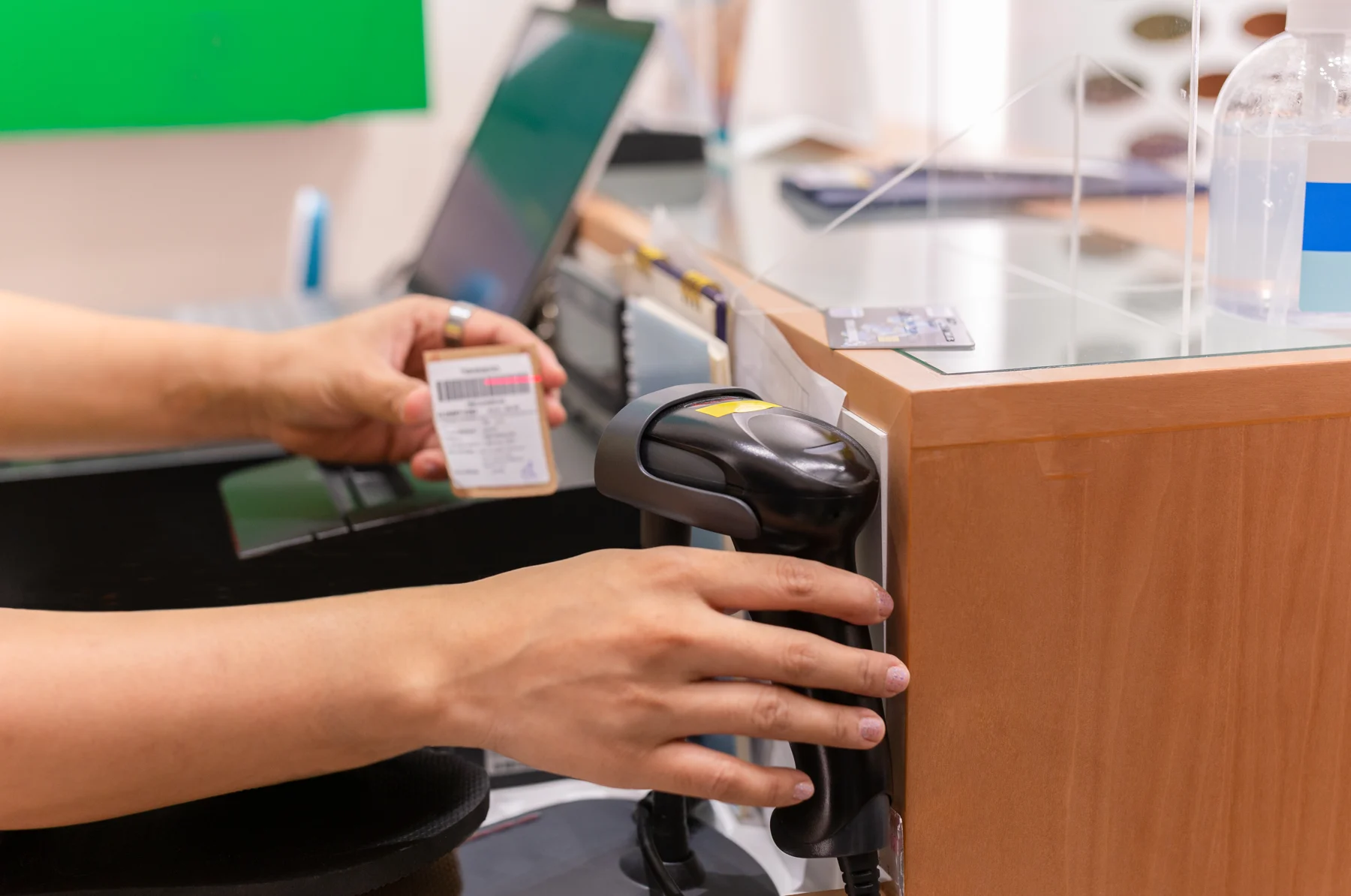
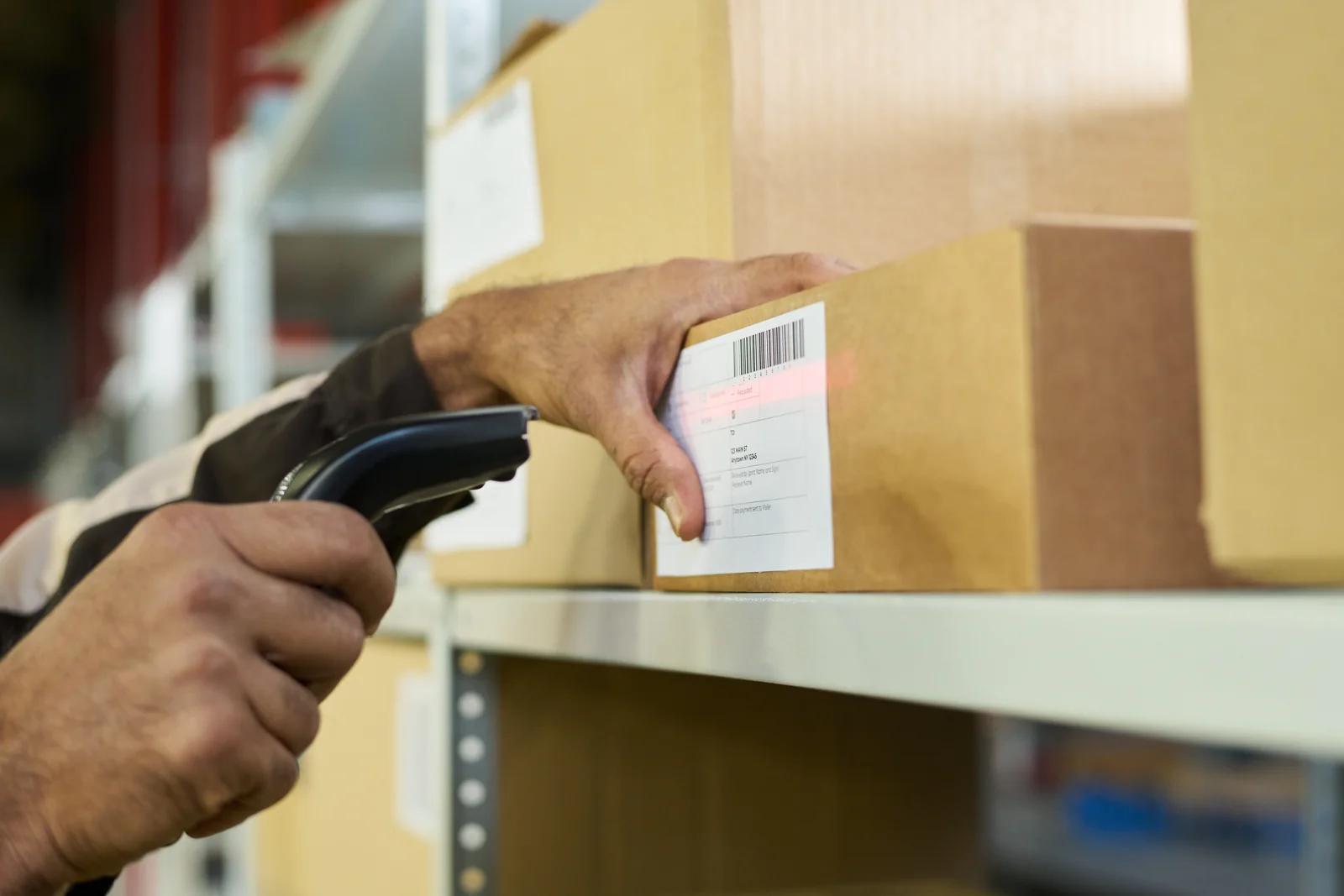
With a single click, ERPNext generates the 30 unique variant SKUs (e.g., SHIRT-OXF-WHT-M-SLM), inheriting the master description, brand, tax category, and unit of measure. Each variant is assigned its own unique EAN-13, UPC, or custom Code 128 barcode. At the store counter, cashiers simply scan the product hangtag with a standard USB or wireless barcode scanner; the POS immediately identifies the exact variant, displays current stock, and adds it to the checkout cart in milliseconds.
3. Hub-and-Spoke Multi-Store Inventory & Auto-Replenishment
The biggest growth barrier for multi-branch retailers is inventory imbalance: Store A runs out of bestselling medium shirts on Friday afternoon, while Store B across town sits on excess stock of the exact same item. ERPNext eliminates this through centralized inventory management utilizing a modern Hub-and-Spoke Distribution Architecture.
Under this model, the retailer operates a Central Distribution Center (Warehouse Hub) that supplies regional branch outlets (Spokes):
- Automated Reorder Levels: Each retail branch warehouse maintains configured safety stock thresholds and reorder quantities. When Gulshan Store’s stock of a critical SKU falls below 5 units, ERPNext automatically generates a Material Request (Transfer).
- Inter-Store & Hub Stock Transfers: The central warehouse fulfills the request using a Stock Entry (Material Transfer). Goods move into a designated “Stock in Transit” holding account until the receiving branch manager performs a physical count and signs off on the receiving voucher.
- Cross-Branch Stock Lookup at POS: When a customer in the Banani branch requests a size that is currently out of stock, the cashier can perform an instant cross-warehouse stock query directly on the POS screen. The cashier can immediately inform the customer: “We have 3 units available at our Dhanmondi branch, or we can dispatch it to your home address via our central warehouse delivery.”
4. Promotional Pricing Rules & Tiered Customer Loyalty
Modern retail marketing relies on agile promotions, flash sales, and customer retention programs. Manually training cashiers on promotional discounts causes checkout delays and unauthorized price reductions. ERPNext automates promotional logic through configurable Pricing Rules:
- Quantity-Based Discounts: Buy 2 items, get 10% off; Buy 3 or more, get 20% off.
- Promotional Bundles (Buy X, Get Y Free): Buy a suit blazer and trousers, receive a tie for free. The POS automatically identifies the combination in the cart and applies the promotional concession.
- Time-Delimited Flash Campaigns: Automatically active between 4:00 PM and 8:00 PM on Friday and Saturday, expiring without manual cashier intervention.
- Customer Loyalty Points Scheme: Customers accumulate loyalty points based on net bill spend (e.g., 1 point per BDT 100 spent). At checkout, cashiers search customer profiles by mobile number, view accrued point balances, and apply points directly as cash redemption towards the bill.
5. Automated Accounting & Real-Time General Ledger Posting
In traditional retail setups, finance teams spend the first week of every month chasing branch managers for paper cash receipts, bank deposit slips, and POS z-reports. In ERPNext, the entire accounting lifecycle is natively integrated into ERPNext Finance and Accounting.
When a store shift closes, ERPNext automatically executes balanced double-entry accounting transactions:
| General Ledger Account | Debit (BDT) | Credit (BDT) | Financial Explanation |
|---|---|---|---|
| Cash in Hand (Store A Drawer) | BDT 85,000 | — | Physical cash received at retail cash registers |
| bKash / MFS Merchant Clearing Account | BDT 42,000 | — | Digital wallet collections awaiting bank settlement |
| Card Merchant Receivable (POS Bank) | BDT 53,000 | — | Visa/Mastercard credit card settlement receivable |
| Cost of Goods Sold (COGS) | BDT 98,000 | — | Inventory valuation cost of goods sold during shift |
| Retail Sales Revenue Account | — | BDT 165,000 | Gross revenue earned from merchandise sales |
| NBR Output VAT Payable (Mushak 6.3) | — | BDT 15,000 | Mandatory indirect sales tax payable to NBR |
| Store Stock in Hand (Asset) | — | BDT 98,000 | Direct balance sheet reduction of physical inventory |
Because revenue, inventory asset valuation, and tax liabilities balance instantly, retail CFOs can review real-time profit and loss statements across individual store branches every evening without waiting for monthly accountant reconciliations.
Step-by-Step Blueprint: Configuring a Retail Chain in ERPNext
Configuring ERPNext for a growing retail business requires a structured setup sequence. For technical teams following our comprehensive ERPNext step-by-step setup manual, here is the proven 5-stage retail deployment blueprint:
- Establish Organizational Structure & Cost Centers: Define your legal retail entity under Company, create dedicated Cost Centers for each retail branch outlet (e.g.,
Gulshan Store - CC,Uttara Store - CC), and define Chart of Accounts mappings for local retail bank deposits. - Structure Warehouses in a Tree Hierarchy: Configure your master warehouse hierarchy under
All Warehouses:- Central Distribution Center (Hub)
- Branch Warehouses (e.g.,
Gulshan - Finished Goods,Banani - Finished Goods) - In-Transit Warehouses (e.g.,
Inter-Branch Transit - WHS)
- Build the Item Master & Attribute Matrix: Import master item groups (Apparel, Footwear, FMCG), establish unit of measure (UOM) conversions (e.g., 1 Box = 24 Pieces for wholesale purchases, sold in Pieces at POS), and generate item variants with high-density barcode numbers.
- Configure Store-Specific POS Profiles: Set up individual POS Profiles for each store checkout lane. Assign designated cashiers, link local thermal receipt printers, select default cash/bank clearing accounts, and set up customer display ports.
- Define Reorder Points & Supplier Lead Times: Inside each Item Master, open the Auto Reorder table. Select the branch warehouse, enter the minimum safety stock threshold (e.g., 10 units), and define the reorder quantity (e.g., 50 units). The ERPNext background scheduler will now automatically generate Material Requests when stock runs low.
Comparing Retail Checkout Engines: Frappe POS vs. Invento POS vs. Odoo POS
When selecting the front-end checkout tool for your cashiers, retail executives typically evaluate three strong contenders: the default open-source Frappe POS, Invento’s specialized POS engine, and Odoo POS. (For smaller merchants, review our evaluation of the best POS system for small business). Below is an objective comparison of checkout engines:
| Feature / Capability | Native Frappe POS (ERPNext) | Invento POS (Enterprise Retail) | Odoo POS (Community Edition) |
|---|---|---|---|
| Deployment Interface | Web Browser (Desk interface) | High-Speed Desktop / Touch App & Tablet | Web Browser (PWA) |
| Offline Resilience | Browser LocalStorage (Basic caching) | Local SQLite/Embedded DB (100% Offline Billing) | Browser IndexedDB (Requires active session) |
| Bangladesh NBR Mushak 6.3 | Requires custom Jinja print format | Native Automated Fiscal Mushak 6.3 Invoicing | Requires custom Python localization module |
| MFS Dynamic QR (bKash/Nagad) | Manual payment reference entry | Integrated Dynamic Customer-Facing QR Screen | Manual payment reference entry |
| Hardware Peripheral Support | Web print dialog / QZ Tray plugin | Direct raw ESC/POS drivers & RJ11 drawer kick | Odoo IoT Box or browser web-print |
Bangladesh Retail Localization: NBR Mushak 6.3 & Mobile Payments
Deploying international retail software in Bangladesh often leads to operational roadblocks because global platforms do not comprehend local fiscal and digital payment infrastructure. Invento Software Limited—the recognized enterprise partner for top software implementations in Bangladesh—engineers deep localization for the domestic retail environment:
Invento’s Retail Localization Blueprint:
- Automated NBR Mushak 6.3 Tax Invoices: Full compliance with the National Board of Revenue VAT and Supplementary Duty Act 2012. Printed thermal receipts and electronic invoices automatically include the merchant’s 13-digit Business Identification Number (BIN), sequential fiscal serials, applicable VAT slabs (5%, 7.5%, or 15%), and statutory fiscal disclosures.
- Dynamic bKash & Nagad Merchant QR Integration: Instead of cashiers asking customers to manually type personal merchant numbers—which leads to human error and payment fraud—ERPNext dynamically generates unique transaction QR codes on customer displays. When scanned, the customer’s payment automatically reconciles and marks the invoice as settled.
- Offline-First Resilience during ISP Disconnections: Broadband fiber cuts or regional network outages can cripple pure cloud POS systems. Paired with Invento’s local sync engine or dedicated Invento POS architecture, cashiers can continue barcode scanning, printing receipts, and ringing cash sales completely offline, auto-syncing to the central ERPNext database the moment connectivity returns.
- Bangla Font Thermal Receipt Rendering: Flawless ESC/POS printing in Bengali script on standard 80mm thermal receipt printers without font distortion or garbled characters.
For cloud-first organizations seeking high reliability, review how cloud ERP software ensures 99.9% uptime for multi-branch retail distribution.
Retail Hardware Integration: Printers, Scanners & Touch Terminals
An enterprise retail software system is only as fast as the physical checkout hardware powering it. ERPNext supports modern, cost-effective retail peripherals through local network and browser interfaces:
- Touchscreen POS Terminals: Compatible with all major Windows all-in-one POS terminals (Posiflex, Sunmi, Elo), Apple iPads, and Android commercial tablets.
- High-Speed Thermal Printers: Direct raw ESC/POS printing via USB, Ethernet LAN, or Wi-Fi to industry-standard 80mm printers (Epson, Citizen, Bixolon, Xprinter).
- Omnidirectional Barcode Scanners: Seamless plug-and-play USB and Bluetooth 1D/2D QR scanners (Honeywell, Zebra, Datalogic) with zero driver installation required.
- Electronic Cash Drawers: Heavy-duty RJ11 drawers that trigger open automatically upon invoice printing or payment settlement.
- Dual-Screen Customer Displays: Secondary screens displaying itemized shopping carts, promotional video banners, and dynamic payment QR codes directly to the shopper.
For specialized retail segments like quick-service food outlets, bakeries, or roadside eateries, review our comprehensive guides on food truck POS systems and free restaurant POS software to understand table layouts and multi-station kitchen display workflows.
5 Warning Signs Your Retail Chain Has Outgrown Standalone POS
Transitioning from basic point-of-sale software to a unified retail ERP system represents a major operational milestone. Review these five telltale warning signs that your current retail technology is capping your business growth:
1. High Stockouts in Bestsellers While Warehouses Suffer from Dead Stock
If store managers must manually count shelves to place reorders or frequently disappoint shoppers with out-of-stock messages, your purchasing team lacks real-time inventory visibility. ERPNext’s automated replenishment rules eliminate guessing by linking sales velocity directly to automated purchase orders.
2. Accounting Reconciliations Take Weeks Every Month
If accountants must manually re-type sales totals from POS reports into separate accounting ledgers, human error and data lag are inevitable. If you do not know your net daily profit across all branches until three weeks after the month closes, you are steering your retail enterprise blind.
3. Opening a New Outlet Requires Weeks of IT Friction
Opening a new retail branch should take hours in software, not weeks. In ERPNext, setting up a new store simply involves creating a new warehouse branch, assigning a POS profile, and assigning staff credentials. Master items, barcodes, prices, and tax rules propagate instantly.
4. E-Commerce and Physical Stores Run on Conflicting Stock
If your website sells an item that was already purchased in your brick-and-mortar outlet twenty minutes earlier, customer trust plummets. ERPNext unifies physical stores and digital web channels into a single synchronized inventory pool.
5. Chronic Unexplained Inventory Shrinkage & Cash Variance
Without strict POS shift opening/closing controls, manager discount approvals, and barcode-validated receiving audits, retail internal shrinkage can eat 2% to 4% of gross revenue. ERPNext enforces indelible audit trails for every price override, voided item, and inventory transfer.
Frequently Asked Questions (FAQ)
Can ERPNext POS run offline when the store internet drops?
Yes. ERPNext features an offline POS mode built on modern browser caching (IndexedDB/PWA). In addition, for high-volume retail chains in Bangladesh requiring mission-critical offline resilience with local receipt printing, Invento deploys a specialized offline synchronization bridge that guarantees uninterrupted barcode scanning and checkout during network cuts, syncing all shift records to the central cloud ERP once connectivity restores.
How does ERPNext handle retail item variants (Size, Color, Brand)?
ERPNext uses an Item Template and Item Variant Matrix. You configure an Item Template (e.g., T-Shirt) with multiple attributes like Size (S, M, L, XL) and Color (Blue, Black, Red). The system automatically generates all individual variant SKUs, each with its own barcode, stock balance, and reorder point, while maintaining centralized reporting under the parent item.
Does ERPNext support Bangladesh NBR Mushak 6.3 VAT billing at the checkout counter?
Yes. Invento Software Limited provides a dedicated Bangladesh fiscalization module that formats POS receipts according to National Board of Revenue (NBR) Mushak 6.3 legal standards. It records mandatory 13-digit BINs, unbroken sequential fiscal invoice numbers, applicable VAT rate slabs (5%, 7.5%, 15%), and formats thermal slips for retail compliance.
What is the difference between Frappe POS and Invento POS?
Frappe POS is the standard open-source web checkout interface included with ERPNext. Invento POS is an enterprise, high-speed point-of-sale engine engineered specifically for retail chains and restaurants in Bangladesh. Invento POS includes direct hardware drivers for thermal printers, dynamic bKash/Nagad QR screens, offline database sync, and NBR Mushak compliance, and can operate either standalone or fully connected to ERPNext as its central ERP backend.
Can ERPNext connect with e-commerce platforms like Shopify and WooCommerce?
Yes. ERPNext provides native bidirectional connectors and a comprehensive REST API for Shopify, WooCommerce, and bespoke e-commerce websites. When an online customer places an order, stock reserves automatically across channels, preventing overselling, while fulfillment status updates back to the customer’s portal.
Next Step: Schedule an ERPNext Retail Demo with Invento
Unify Your Multi-Store Retail Operations with Enterprise ERPNext
Eliminate stockouts, streamline cashier shift reconciliation, and automate NBR Mushak 6.3 VAT compliance across all your branch outlets. Partner with Invento Software Limited—the leading ERPNext and retail systems engineering firm in Bangladesh—to deploy a robust, scalable retail architecture tailored to your business.